Key takeaways
- Overwatch 2 Cloud DMA is Hyper-V on one Windows PC — no second machine, USB bridge, or PCIe card in this product.
- AWS and GREENWARD are separate purchases; the Cloud DMA license is the installer and activation layer only.
- You still need Xray, Pro, or Private. DMA does not replace the overlay.
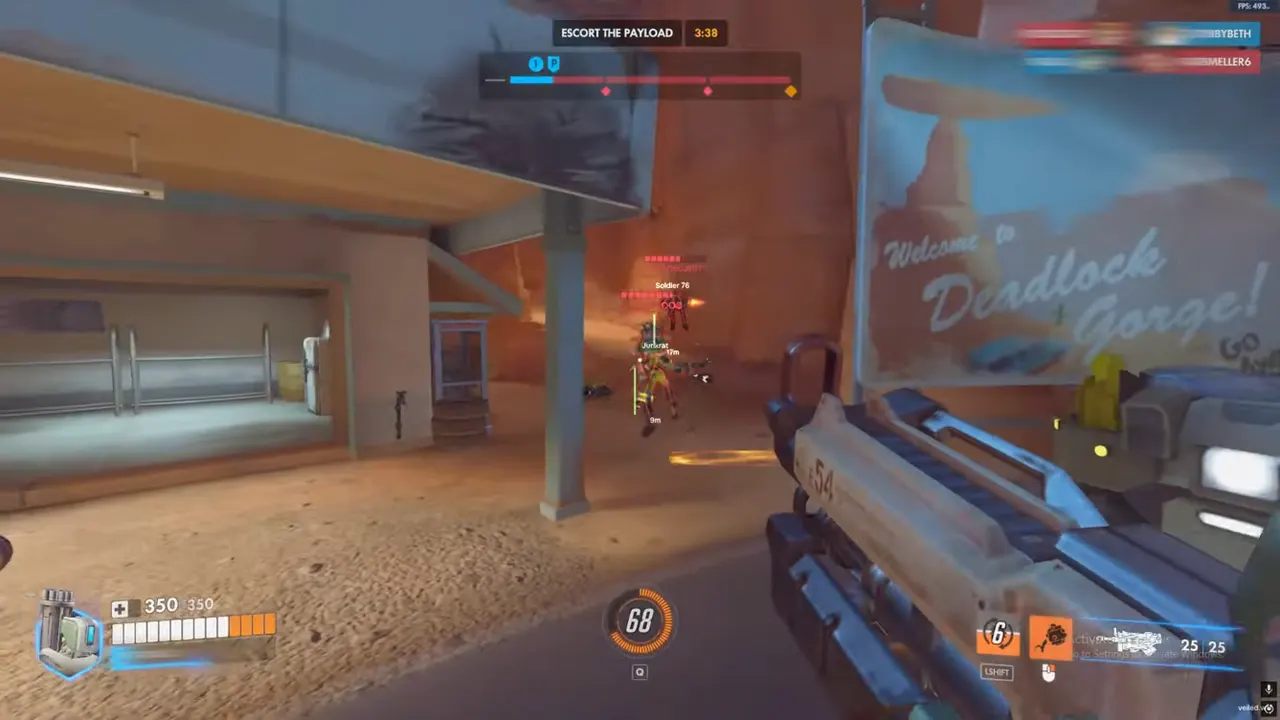
Overwatch 2 Cloud DMA is infrastructure, not an overlay. If you came here looking for hero boxes or Viper aimbot, those live on the cheat tiers. This page is the Hyper-V single-PC path: what Cloud DMA includes, why AWS and GREENWARD stay separate, and how DMA pairs with Xray, Pro, and Private. The rest of the internet uses “DMA” for USB bridges and second towers. This checkout is not that hardware.
Cloud DMA is the OverwatchCheats product for players who want the cheat workflow on one PC through Hyper-V — no second machine, no USB DMA bridge, no PCIe reader card. That distinction is the whole article. Product details and checkout live on Cloud DMA. Identifier masking is a different product: HWID with cheats. If you just need the overlay, skip DMA and use the setup checklist.
Cloud DMA Features (and What You Still Buy Separately)
Included in the Cloud DMA license:
- Hyper-V virtual environment on one Windows PC
- Guided installer and encrypted activation
- Isolated VM layer for the supported workflow
- No USB DMA bridge requirement
- No PCIe card requirement
- No second gaming machine requirement
- Support for attaching the OverwatchCheats overlay stack
- Setup guides and infrastructure support for this path
Not included — budget these separately:
- AWS — separate purchase and billing
- GREENWARD — separate purchase
- Hero ESP, aimbot, radar — those are cheat tiers
- HWID spoofing — the spoofer product and its guides
That split is how Overwatch 2 dma setup actually works. The Cloud DMA page is installer, activation, and support for the Hyper-V layer. It is not a bundle that secretly contains AWS, GREENWARD, and Private Viper. People who treat the product page as a complete shopping cart discover the gap after checkout. We would rather you read the sentence twice now.
Windows reality. You need an edition that can run Hyper-V (typically Pro or Enterprise), virtualization enabled in BIOS (Intel VT-x/VT-d or AMD SVM, as your board labels it), and a stable network for activation. The Cloud DMA page lists the current requirements. If Hyper-V will not install, this OW2 dma cheat path will not save you. Home editions that cannot host Hyper-V are the wrong Windows for this product.
Private Viper players often ask whether DMA is mandatory. It is not. Private is the overlay — full aimbot, ESP, 2D radar, ult and objective intel. Cloud DMA is optional plumbing for a specific single-PC isolation workflow. Read the Private Viper guide for the menu, not for Hyper-V. Xray and Pro attach the same way: overlay after the VM layer is healthy.
Hyper-V DMA Overwatch setups fail when someone installs the overlay on the host in a way the doc forbids, or mixes this path with a leftover physical DMA experiment. One workflow. Cloud dma cheats are a stack, not a pile of leftover tools.
Anti-Cheat and Safety — Isolation Is Not Invisibility
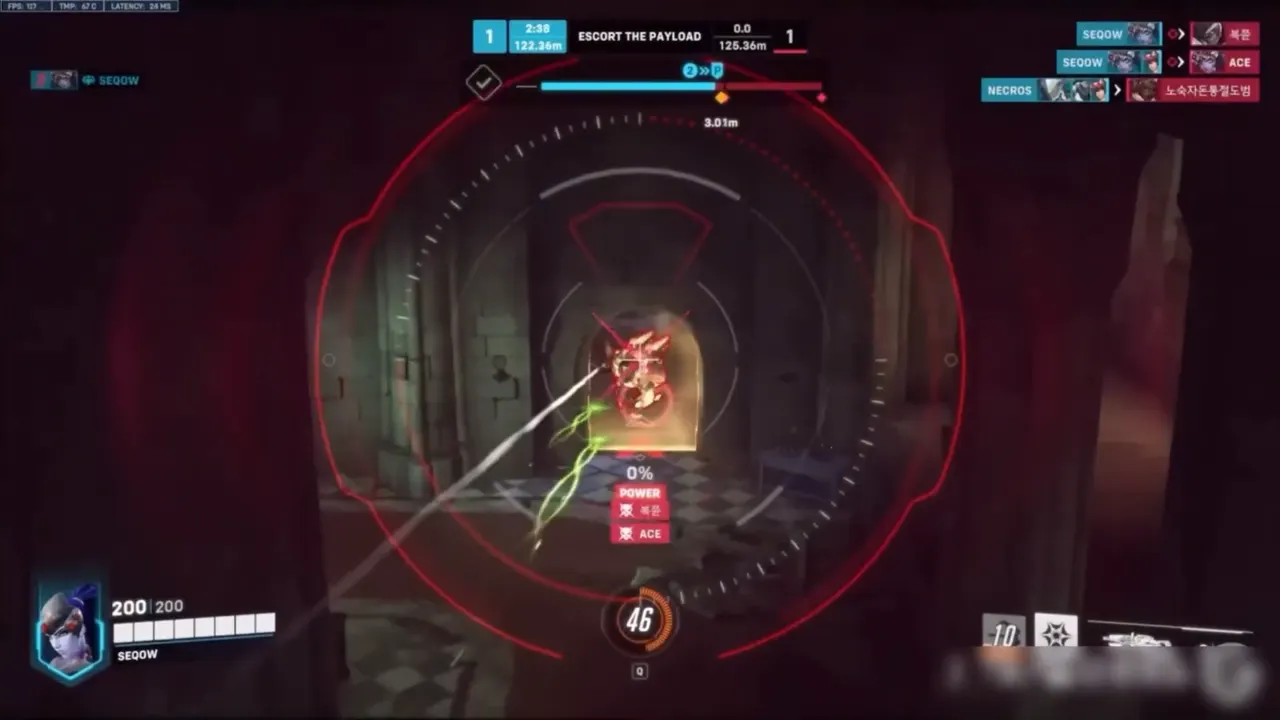
Moving reads into a Hyper-V layer changes where parts of the stack run. It does not retire Overwatch anti-cheat, player reports, or killcams. A loud aimbot on a DMA setup is still a loud aimbot. An ESP config that tracks through walls on every death cam is still that config. Infrastructure is not a cloak.
Treat Cloud DMA like extra moving parts:
- Firmware, Windows, Hyper-V, AWS, GREENWARD, Cloud DMA license, and the cheat loader all need to stay in the versions the docs describe
- A patch that breaks the overlay still breaks the overlay
- Skipping GREENWARD or AWS because “the DMA page looked complete” is how activation fails
- A Hyper-V host that is also running Discord overlay, Game Bar, and a second injector is still a dirty desktop
For behavior-level risk, the same anti-cheat rules apply as any other OverwatchCheats overlay. DMA is not a reason to max FOV. DMA is not a reason to skip the cheat setup checklist inside the working environment. Quiet ESP first, ranked last — even when the reads live in a VM.
If you also need identifier masking after a hardware flag, that is HWID with cheats, not a hidden Cloud DMA toggle. Stack them only when both docs say your workflow needs both. “More layers” is not automatically safer.
Usage Tips — Order of Operations
Overwatch 2 dma setup is a sequence. Do not invert it because the overlay is the part you care about.
- Confirm Windows edition and BIOS virtualization. If Hyper-V cannot run, stop. This product cannot invent a hypervisor.
- Purchase AWS and GREENWARD if you do not already have them. These are not optional flavor for the supported workflow.
- Get Access on Cloud DMA. Run the Hyper-V installer. Finish encrypted activation.
- Attach Xray, Pro, or Private using the support doc for that pairing — not a random forum order.
- Run the cheat setup checklist inside the working environment: quiet ESP first, ranked last.
Do not install the overlay on the host in a conflicting way the doc forbids. Do not mix this Hyper-V path with a leftover physical DMA experiment. One workflow.
If activation fails, stop and use Contact with the step name (Hyper-V install, AWS, GREENWARD, overlay attach). “It doesn’t work” is not a log. Infrastructure support can work a named step. It cannot reconstruct a BIOS screen you never described.
Who should skip this product. Anyone who only wanted boxes, aim assist, or Viper radar. Xray, Pro, and Private run without Cloud DMA for most users. Buy DMA when you read the prerequisites and still want that single-PC Hyper-V path. Everyone else should close this tab and finish the overlay checklist.
Why OverwatchCheats for Cloud DMA
Because we will say the uncomfortable sentence on the product page: AWS and GREENWARD are separate. A lot of listings bury that. OverwatchCheats would rather you budget the real workflow than discover it after checkout.
Get Access on the Cloud DMA page for the Hyper-V license. Get Access on cheats for the actual Overwatch 2 features. No prices on this blog. If you do not need a VM layer, do not buy one — Xray, Pro, and Private are enough for most players.
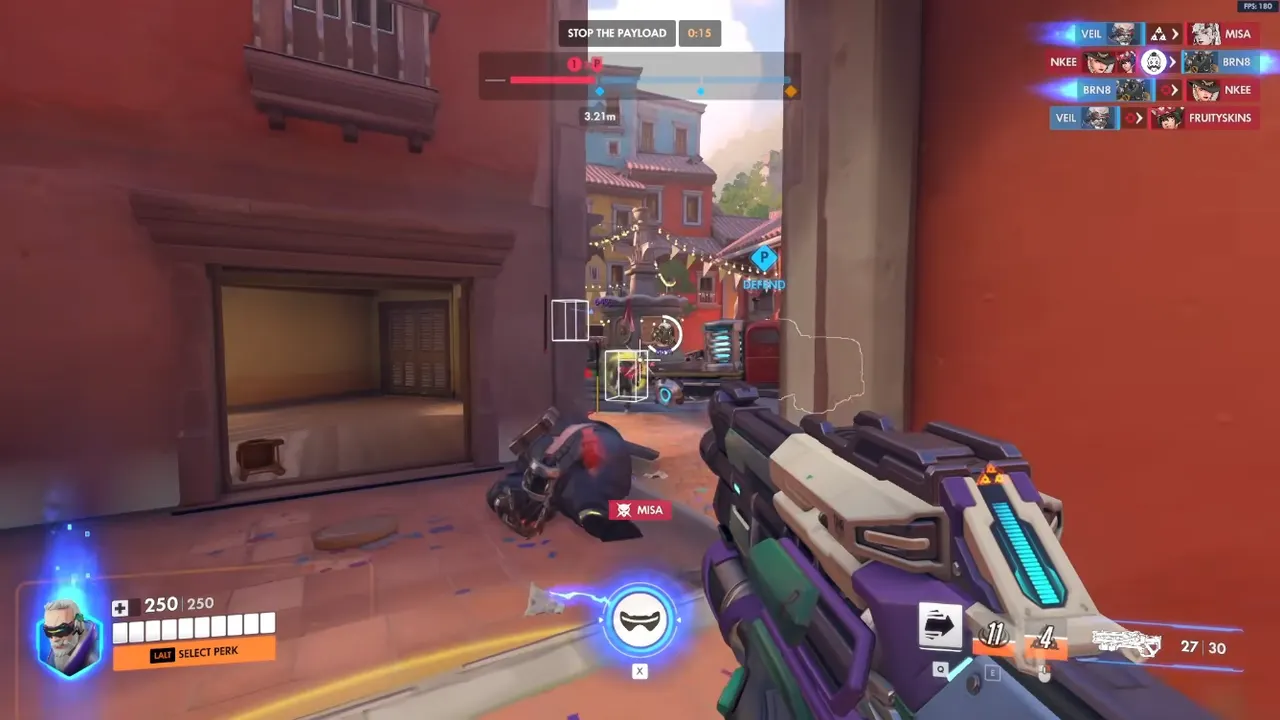
Cloud DMA is for the person who read the prerequisites and still wants that single-PC Hyper-V path. It pairs with any of the three overlay tiers. It does not replace them. It does not unban accounts. It does not make a loud config quiet.
If your actual problem is a hardware flag, read HWID with cheats. If your actual problem is a Viper menu you have not configured yet, read the Private Viper guide. If your actual problem is a loader on a dirty desktop, you wanted the setup checklist, not a hypervisor.
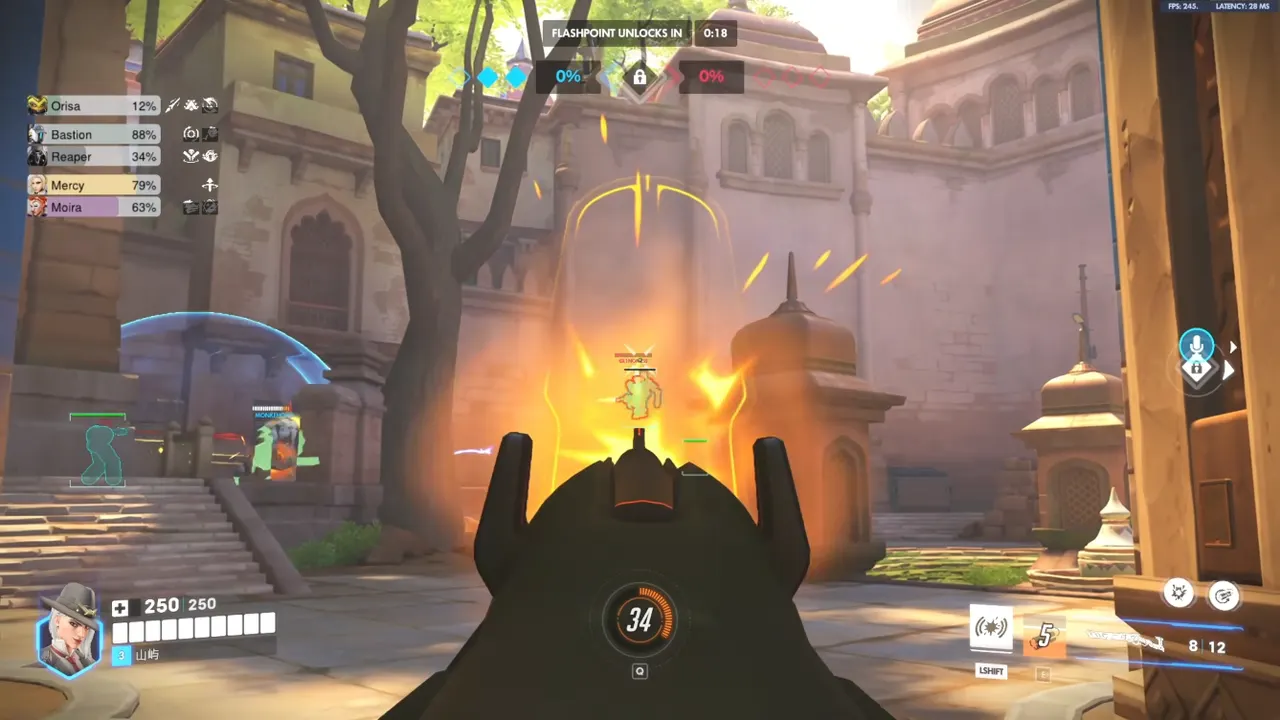
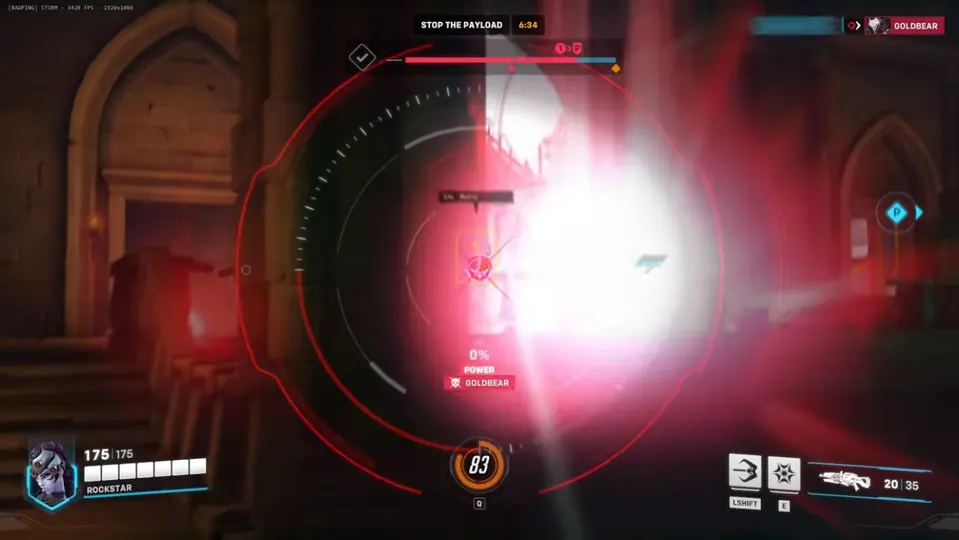
Overwatch 2 Cloud DMA is finished when Hyper-V is healthy, AWS and GREENWARD are actually in the workflow, and a cheat tier is attached — not when the shopping cart looks like it included the overlay by implication.