Key takeaways
- Overwatch 2 cheat setup is Windows, loader, ESP-only overlay, then ranked — never the reverse.
- Xray, Pro, and Private share the same first-session order; they diverge only after boxes draw cleanly.
- Re-run this checklist after every game patch, loader update, or capture-software change.
The Overwatch 2 cheat setup that actually survives ranked is a checklist, not a vibe. Loader, overlay, then a verification match — in that order — before you queue competitive. This OverwatchCheats page is the box-by-box companion to how to use Overwatch 2 cheats: Windows prep, the OW2 cheat installer, an ESP-only first session, and only then a ranked queue on Xray, Pro, or Private.
Players who skip the list usually did not fail the binary. They launched the OW2 cheat loader on a dirty desktop, fought Discord overlay for the draw, captured ESP in OBS, and queued competitive ten minutes later. The overlay was never the problem. The order was.
Pick the tier on cheats first. Setup cannot choose Xray versus Private for you. Slider philosophy lives in low-profile settings. Patch-day mindset lives in patch survival. Stay here for the clicks.
Loader, Overlay, and Ranked Features You Configure in Order
Treat Overwatch 2 overlay setup as four boxes. Check them in sequence. Do not skip ahead because a screenshot looked denser.
Box 1 — Windows and the gaming client. Battle.net Overwatch 2 is the documented path. Confirm the Windows build against the notes on the tier you bought — Private publishes explicit Windows 10/11 lists and BIOS virtualization (Intel VT-d or AMD SVM) because that stack is heavier. Close Discord overlay, NVIDIA overlay, Xbox Game Bar, and any second “FPS booster” HUD until the cheat overlay is stable. Two overlays fighting the same frame is the most common reason the OW2 cheat loader “does nothing.”
Box 2 — the loader. Run as administrator when delivery notes say so. Do not stack two cheat loaders. Do not run a leftover injector from another site next to OverwatchCheats. Match window mode to the setup doc — exclusive fullscreen you have never tested is a classic first-night failure. The Overwatch 2 cheat installer is a delivery artifact, not a ranked skip. If the loader will not open, stop. Contact support with the step name.
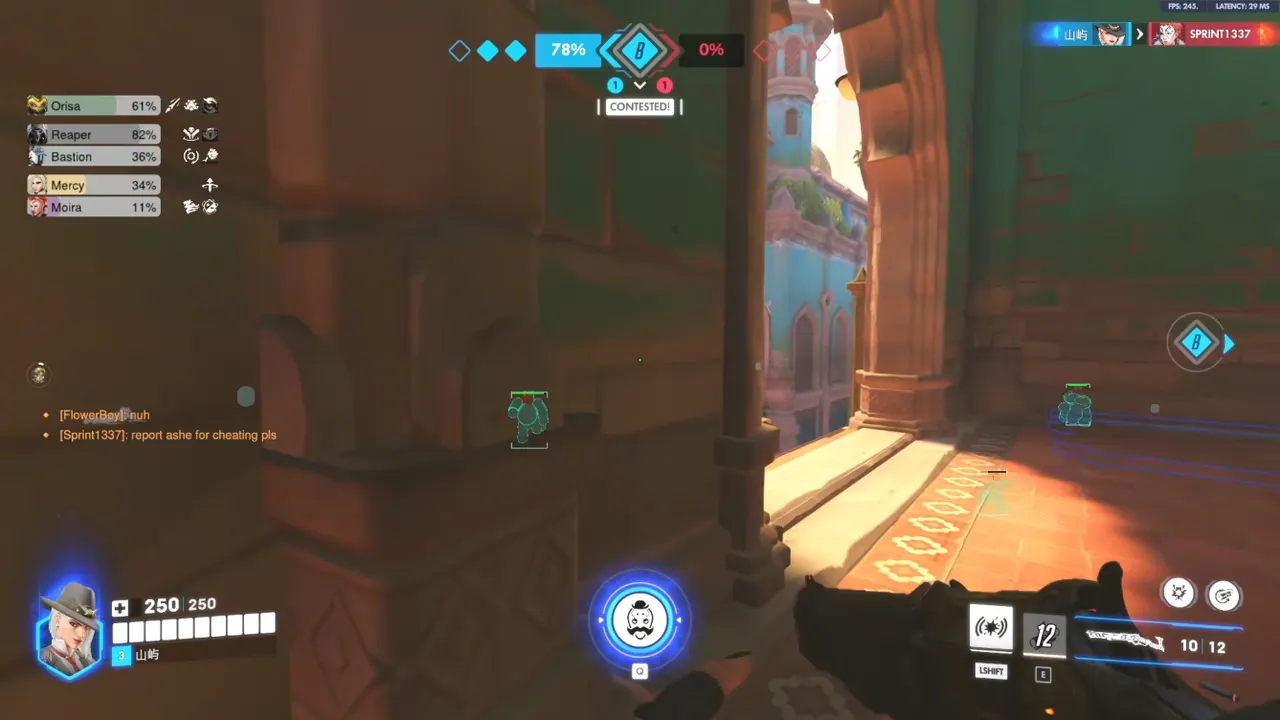
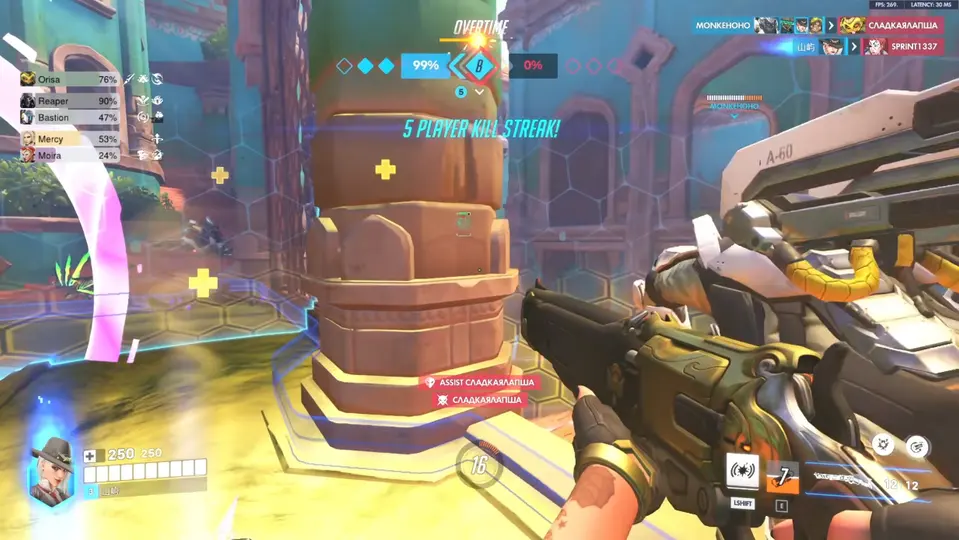
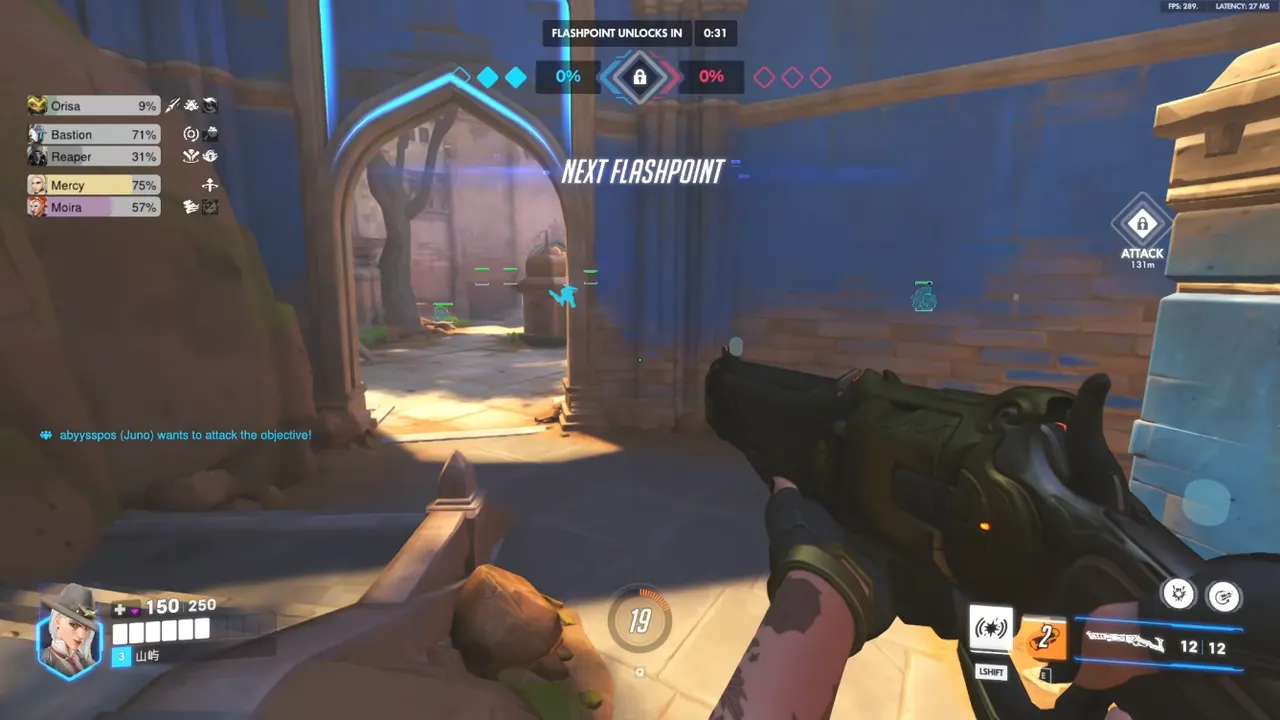
Box 3 — first overlay pass (all tiers). Enemy-only player ESP. Distance on. Max distance capped. Everything else off. That is the Overwatch 2 ranked setup that teaches you whether boxes draw, whether the menu hotkey works, and whether capture software is leaking. Health bars, skeleton, smooth targeting, aim keys, trigger binds, radar, and objective layers come later — after this pass is boring.
Box 4 — then, by tier:
- Xray — health bars, then optional skeleton and head markers. Smooth targeting last and low. Xray is hero ESP plus light targeting, not a combat suite.
- Pro — same ESP discipline, then a hold-to-aim key. Trigger bind stays off until aim FOV is boring. Aim assist and trigger are separate binds on purpose.
- Private — ESP and radar before Viper aimbot. Payload and ult layers after you can parse the radar in one glance. Stream-safe mode is a verification item if you broadcast, not a day-one trophy.
Save the config with a name you will actually reload after a crash. Cloud-sync if the menu offers it, but keep a local copy. Named quiet configs are how Overwatch 2 cheat setup survives the next patch instead of becoming a slider archaeology project.
Anti-Cheat Hygiene During Setup
A loader is a program in the same world as Overwatch anti-cheat. Setup hygiene is not flavor text. Reports, killcams, and “how did they know” moments still exist even when the overlay is quiet. The checklist exists so you do not invent a loud config in a playlist that records every death.
Do this, every first session and every patch night:
- Do not queue ranked to “test if it works”
- Do not stream the first session
- Do not reuse a flagged account on a machine you have not spoofed if that is your situation
- Do not ignore a status warning on the site after a patch
- Do not enable filled boxes, max distance, and combat keys in the same five minutes
If you need hardware masking, do that before the cheat loader and before a fresh login. Follow the spoofer guide and the combined HWID post — not a panic toggle after a failed block. Cloud DMA users follow the Hyper-V installer first — AWS and GREENWARD stay separate, and skipping them is how that product fails. Details live on the Cloud DMA article. This checklist assumes a standard gaming-PC loader unless you already bought that infrastructure.
None of this is a guarantee. Maintained cheat tiers plus a conservative first config beat a stale loader with every category maxed. Setup is where most people accidentally look like a highlight reel.
Usage Tips — First Session and Every Patch After
First session (give it a real window, not a coffee break). Custom game or quick play. Walk spawn. Confirm boxes on enemies, not on every ally. Die on purpose and watch the killcam for overlay leaks. Toggle the menu hotkey. Confirm the aim key does not fire in spawn if you already bound one. If boxes do not draw, ranked will not magically fix the Overwatch 2 cheat installer.
Capture software. If you use OBS, add a scene that is Game Capture only and a scene you will never stream. Test both. Display Capture will show the overlay even when you think you excluded it. Private includes stream-safe modes — verify them before going live, not during a ranked streak.
Ranked gate. Only after a quiet config survives several quick-play games without menu crashes, without overlay flicker, and without you tracking through walls by accident. Overwatch 2 ranked setup is a permission you grant the config, not a playlist you use as a debugger.
Patch day. Overwatch 2 updates, you wait. Check OverwatchCheats status. Update the loader. Load the quiet config. Repeat first-session tests. Then ranked. Patch survival is the mindset; this checklist is the clicks. Yesterday’s Private radar profile on today’s unverified build is how people “the overlay broke in competitive.”
When something fails. Stop. Do not “just try competitive.” Use Contact. Send what step broke — loader, overlay, radar, aim key — not a screenshot of a lost fight. Support can work a named step. Support cannot reconstruct a desktop you never described.
Do not confuse this page with the how-to. How to use Overwatch 2 cheats is the narrative sequence and the ranked habits. This article is the box list: close overlays, run the loader, ESP-only, verify, then queue. Low-profile settings is what the sliders should look like once the overlay is alive.
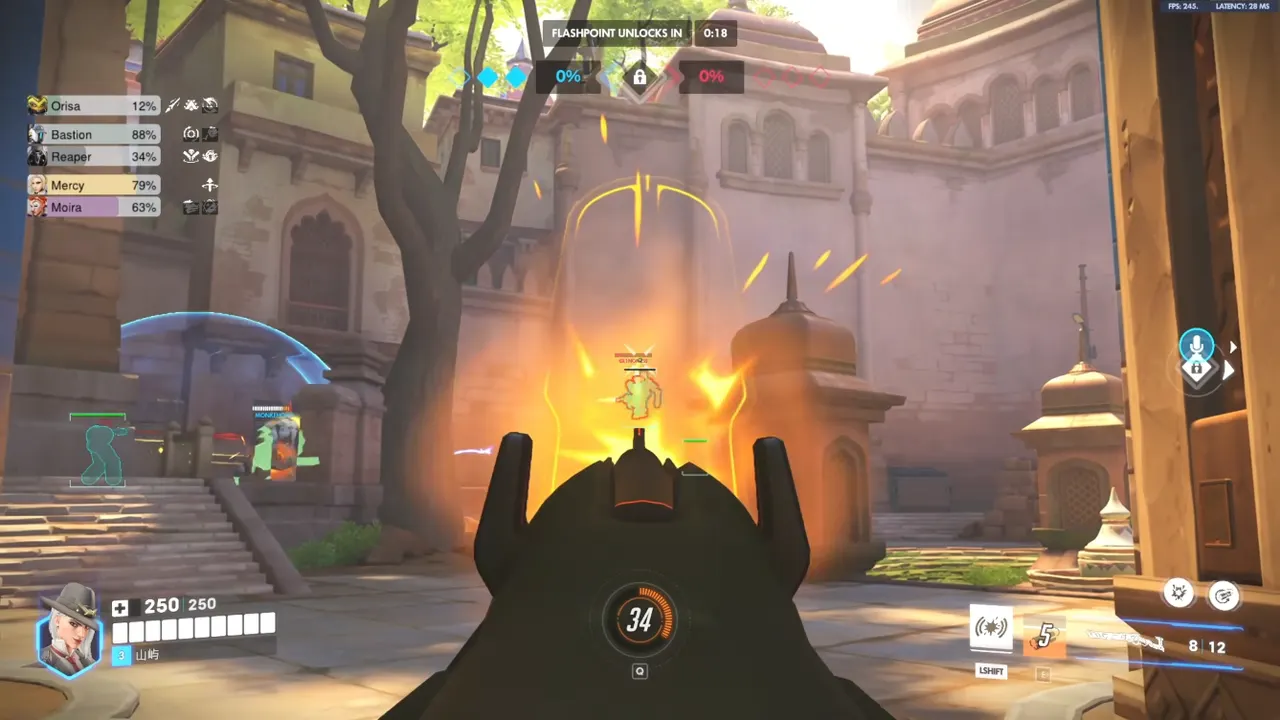
Why OverwatchCheats Setup Docs Exist
Mystery loaders skip this page and tell you to disable antivirus and hope. OverwatchCheats publishes a checklist because Xray, Pro, and Private are the same family of overlays with different depth — they still fail the same amateur ways. A Private Viper menu does not excuse a Discord overlay fight. An Xray-only night still needs a named quiet config.
We would rather you spend the first hour in quick play than spend the first night learning the menu on killcam. That is not upsell. It is the only Overwatch 2 cheat setup that still works after the next patch.
Get Access on the tier you chose. Delivery includes the loader. This article is the sequence we expect you to run. We do not put prices here. We do put “close Discord overlay” here, because that is what actually ships a working first night.
If you only wanted a download button, you still need this list. If you wanted a setup that survives the next patch, bookmark it and run it again when the game updates. Compare the catalog on cheats, then come back to the same four boxes: Windows, loader, ESP-only overlay, ranked last.