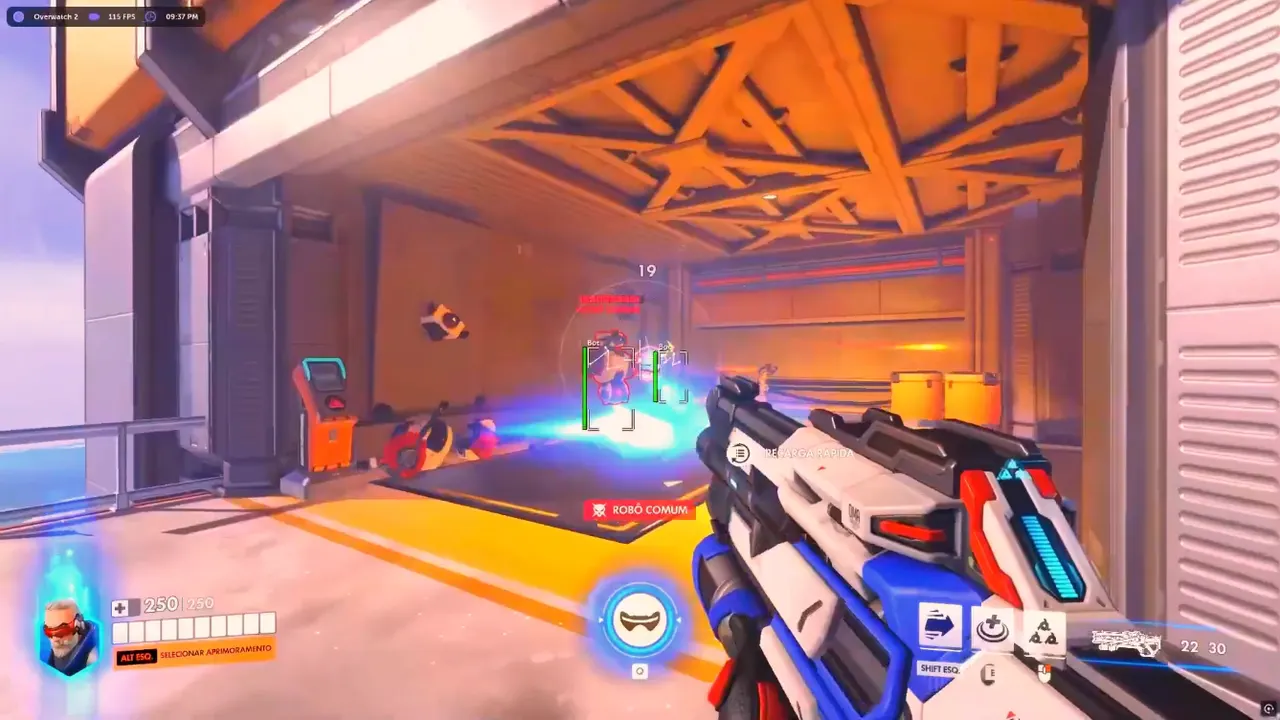
Key takeaways
- Patch survival starts with a ranked pause until OverwatchCheats confirms the live Xray, Pro, or Private build.
- Rebuild configs after Overwatch 2 updates instead of importing last season's overlay and aim profiles.
- Treat the first session as a Quick Play test — software, overlay alignment, then competitive.
Patch survival after Overwatch 2 updates is not a mood. It is a repeatable sequence: stop ranked, confirm the OverwatchCheats loader, rebuild the overlay, then prove the session in Quick Play. Season notes talk about heroes and maps. Underneath that, the client, integrity checks, and overlay hooks can move on the same night. Players who treat patch day like a normal climb night mix last week’s Xray, Pro, or Private build with today’s executable.
This guide is the OverwatchCheats playbook for those nights. It covers what actually breaks, how to verify a build, which settings to reset, and how to come back without turning one update into a hardware headache. If you want composition reads after the software is stable, pair this with meta analysis. If you want the detection picture, read anti-cheat and cheats.
Features that matter on patch night
OverwatchCheats does not ship a different product per season. The same three tiers need a clean post-update pass:
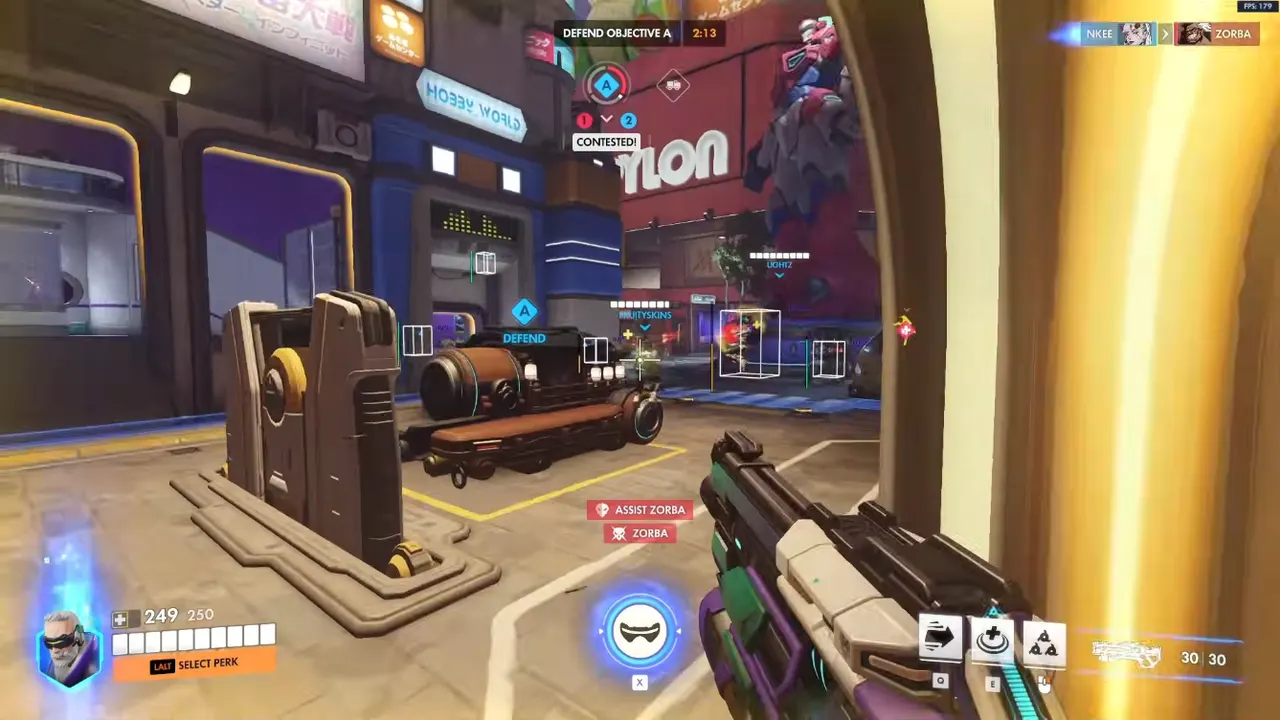
- Xray — hero boxes, health, skeleton, distance. Confirm boxes still sit on models and that max distance still matches how you take fights.
- Pro — aim assist, trigger tools, weapon ESP. Re-test FOV and smoothing because time-to-kill shifts make yesterday’s assist feel snappy or mushy.
- Private — in-house Viper stack with 2D radar, ult ESP, objective intel, and stream-safe. Radar zoom and payload markers drift when maps or HUD layers change.
Patch survival also covers optional infrastructure. If you run an HWID spoofer or Cloud DMA, those tools have their own changelogs. Updating Private but skipping firmware is how you get a menu that opens and a session that still feels wrong.
What you are protecting is not a slogan. You are protecting a verified combination: game build, cheat version, config profile, and login order. Write those four down. The setup checklist is the place to keep that list honest.
Usage tips — the first hour after Overwatch 2 updates
When the launcher finishes:
- Read official notes for integrity, anti-cheat, or kernel language — even if it is one buried line.
- Check OverwatchCheats status for your tier before you inject anything.
- Download the posted build. Do not reuse a loader because it worked last week.
- Export the old config, then load a conservative baseline instead of a highlight-reel preset.
- Keep the high-stakes account off the first live test.
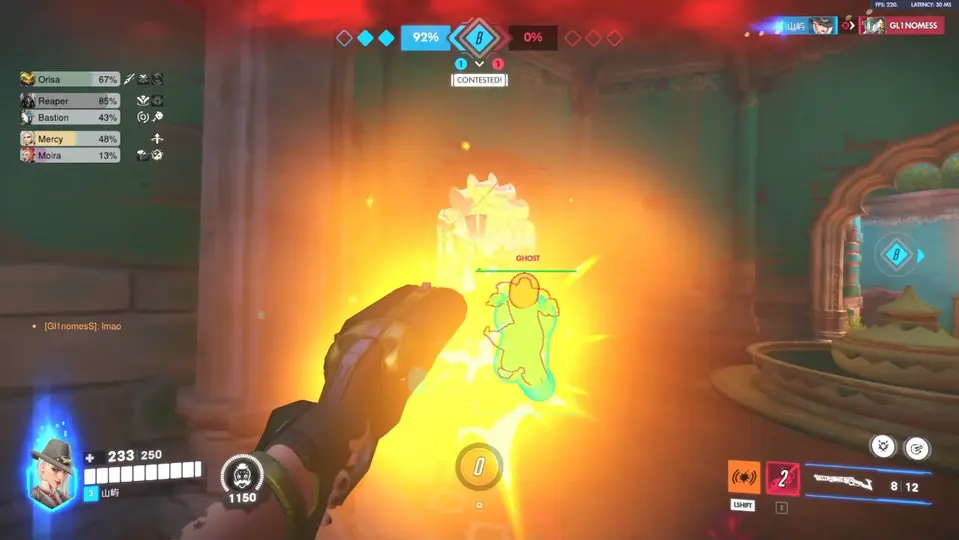
Walk categories one at a time. Player ESP first. Then health and ult filters. Then aim or trigger if you use Pro. Then radar and objective layers if you use Private. Half-working ESP is worse than a night off — you will trust a box that is a meter off the model.
First session back should look boring:
- Loader injects, menu opens, overlay renders.
- One Quick Play or custom match with the baseline profile.
- Note offset markers, missing ult readouts, or aim that tracks through cover.
- A second clean test match before ranked.
If you stream, re-run stream-safe overlay checks after every client update. Capture exclusions reset more often than people expect.
Anti-cheat and safety after a patch
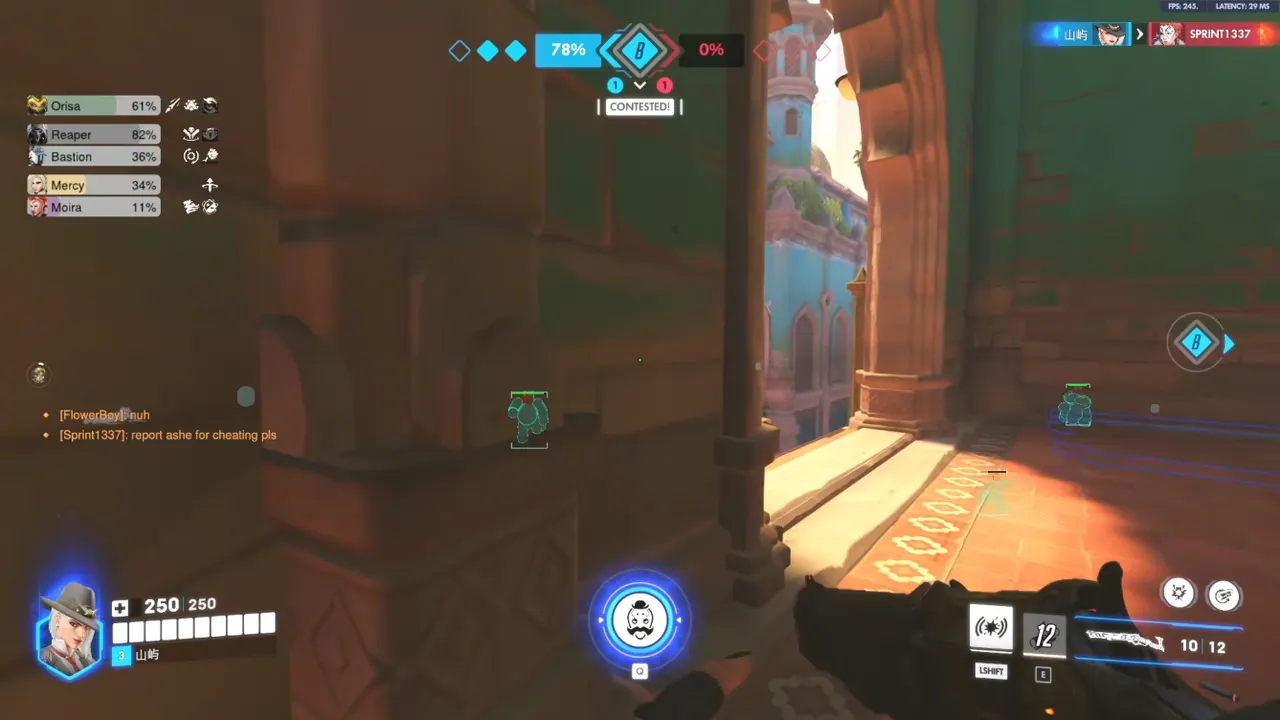
Blizzard does not announce every signature change in the hero patch notes. Anti-cheat coverage is layered: integrity, behavior, reports. Patch survival is how you avoid being the first sample on a new check.
Safety habits that actually help:
- Do not queue ranked to “see if it still works.”
- Do not import Discord configs labeled for a previous season.
- Do not max aim FOV to compensate for overlay lag — fix the build first.
- Do not mix a new cheat with an old spoofer, or a new spoofer with an old cheat, without checking both.
Undetected is a per-build, per-patch condition. OverwatchCheats maintains Xray, Pro, and Private against the live client; your job is to wait for that maintenance window and then verify on your machine. Rage settings on a fresh patch are how report queues fill even when the loader is current.
If a restriction already happened, stop the old stack. Recovery is a spoofer and clean-account problem, not a “maybe one more game” problem.
Why OverwatchCheats for patch survival
This site documents one catalog: OverwatchCheats Xray, Pro, and Private. We do not pretend a loader lasts forever. We tell you to pause, read status, and Get Access only when the live patch is supported. That is the opposite of “queue anyway” marketing.
Use this library as the post-update map:
- Meta analysis once the software is stable and you need new fight ranges.
- Cheat setup checklist for inject order and baseline profiles.
- Low-profile settings if the new TTK made last month’s assist look loud.
- Browse all cheat tiers when you are ready to Get Access on a verified build.
Long-term habits that keep patch survival boring
Bookmark the OverwatchCheats status for your tier. Keep a four-line session note: game build, cheat version, spoofer version if any, config name. After every scare, reread undetected myths instead of panic-maxing FOV. Streamers re-run stream-safe after client updates. When the overlay is stable, use meta analysis so you are not fighting last season’s ranges with a current loader.
If ESP feels wrong after an update, fix distance and contrast first. Jumping to a different tier or enabling every category usually makes overload worse. Xray, Pro, and Private all follow the same pause-verify-test loop. Get Access again only when the live patch is listed as supported on /cheats/.
Bottom line
Patch survival after Overwatch 2 updates is pause, verify, rebuild, test, then climb. Keep Xray, Pro, and Private on current OverwatchCheats builds. Reset distance, smoothing, and radar zoom instead of dragging last season into this one. When status is green, Get Access from /cheats/ and run the checklist — not a revenge queue.