Key takeaways
- Overwatch 2 cheat settings stay usable when FOV, ESP distance, and visibility checks stay conservative.
- Low profile is a subset of Xray, Pro, or Private — not a different cheat and not a cloak against reports.
- Habits matter as much as sliders: hold keys, shorter sessions, and combat off on walks.
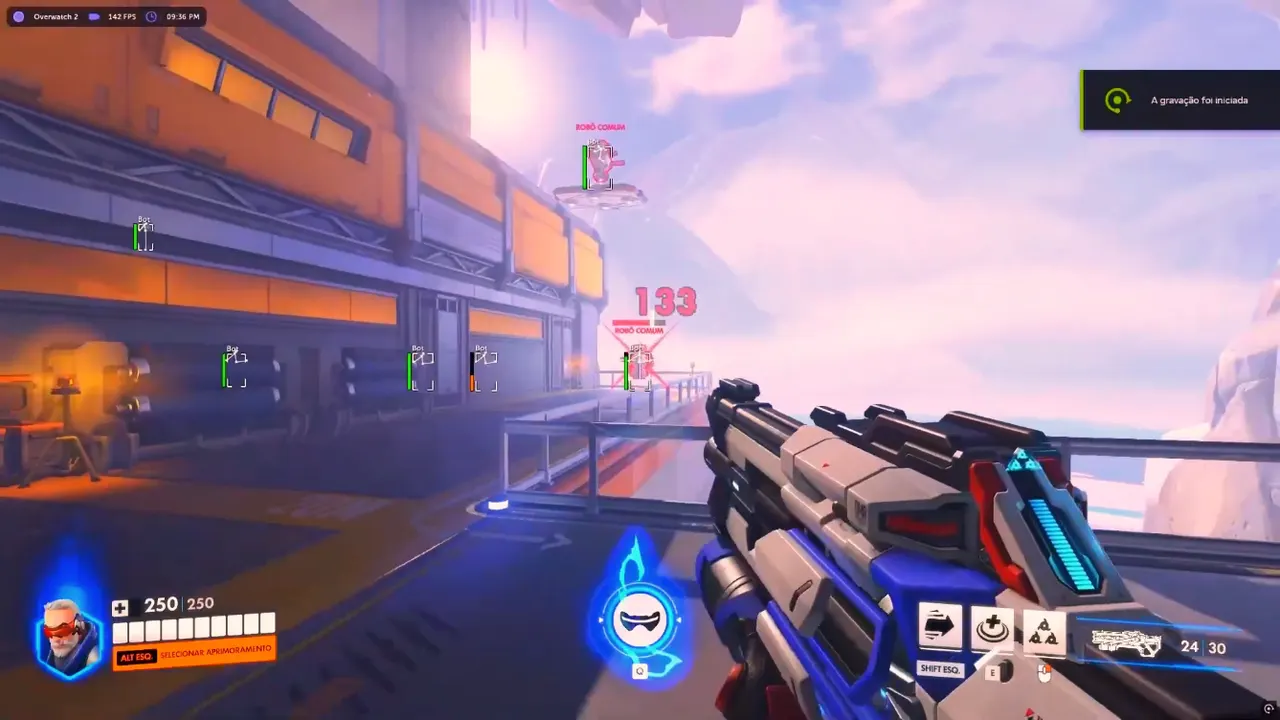
Overwatch 2 cheat settings are how you keep ESP and aim tools from becoming a report farm. The overlay can still show player boxes. The aimbot can still close a legal peek. What you give up is the dinner-plate FOV, the filled boxes, the always-on trigger, and the habit of clearing every trap through a wall. Overwatch 2 low profile is not a different product. It is a quieter subset of the same Xray, Pro, and Private menus.
This guide is config values and session habits — not installer steps. For load order, use how to use Overwatch 2 cheats. For aim sliders in more depth, use the aimbot guide. If you broadcast, pair this profile with stream-safe overlays. Stay here for FOV, ESP distance, and the overlay habits that keep OW2 cheats usable in ranked without magnet aim.
Low Profile Features — What Stays On
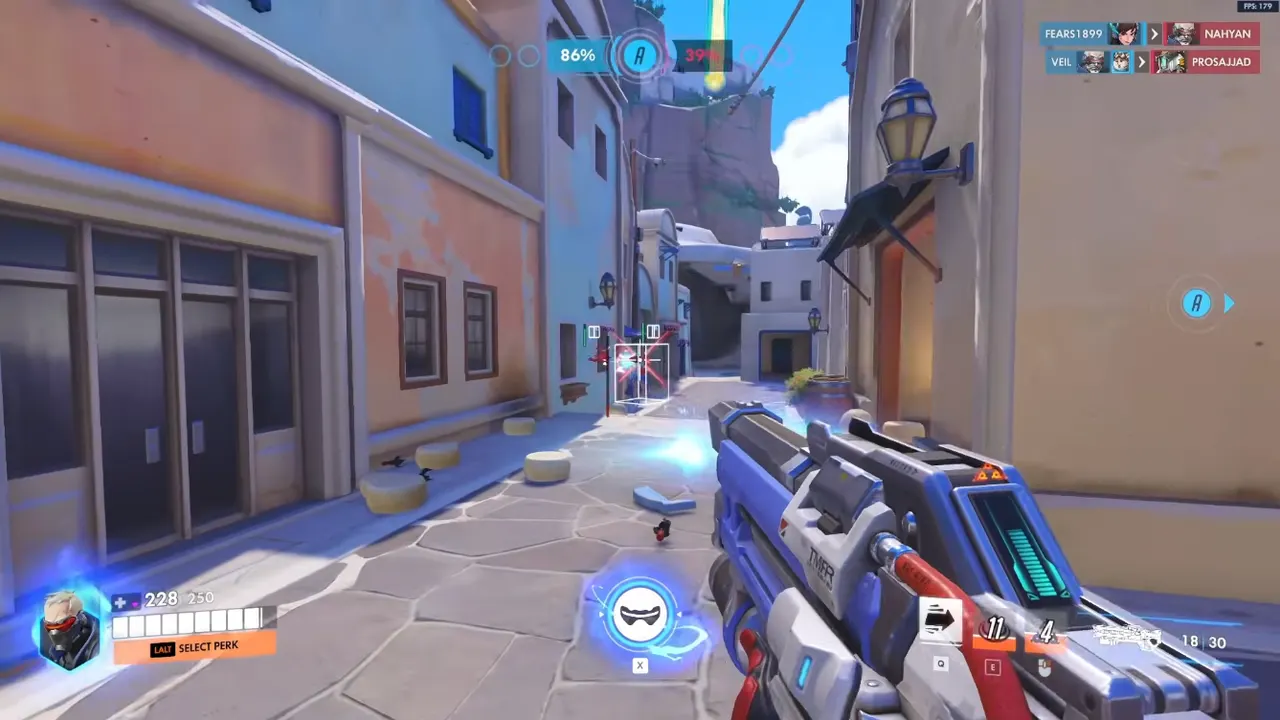
ESP (every tier). Enemy-only corner boxes. Distance on. Max range short enough that you are not reacting to a spawn-room hero. Health bars if you actually glance at them. Skeleton off until boxes are automatic, then distance-gated tighter than boxes. Ability and ult ESP filtered — not a full roster glow.
Overwatch 2 overlay settings that stay off on purpose: fill boxes, teammate ESP, max distance, names stacked on the crosshair, every Private extra on night one. Corner boxes answer who and how far. Filled cubes answer a screenshot.
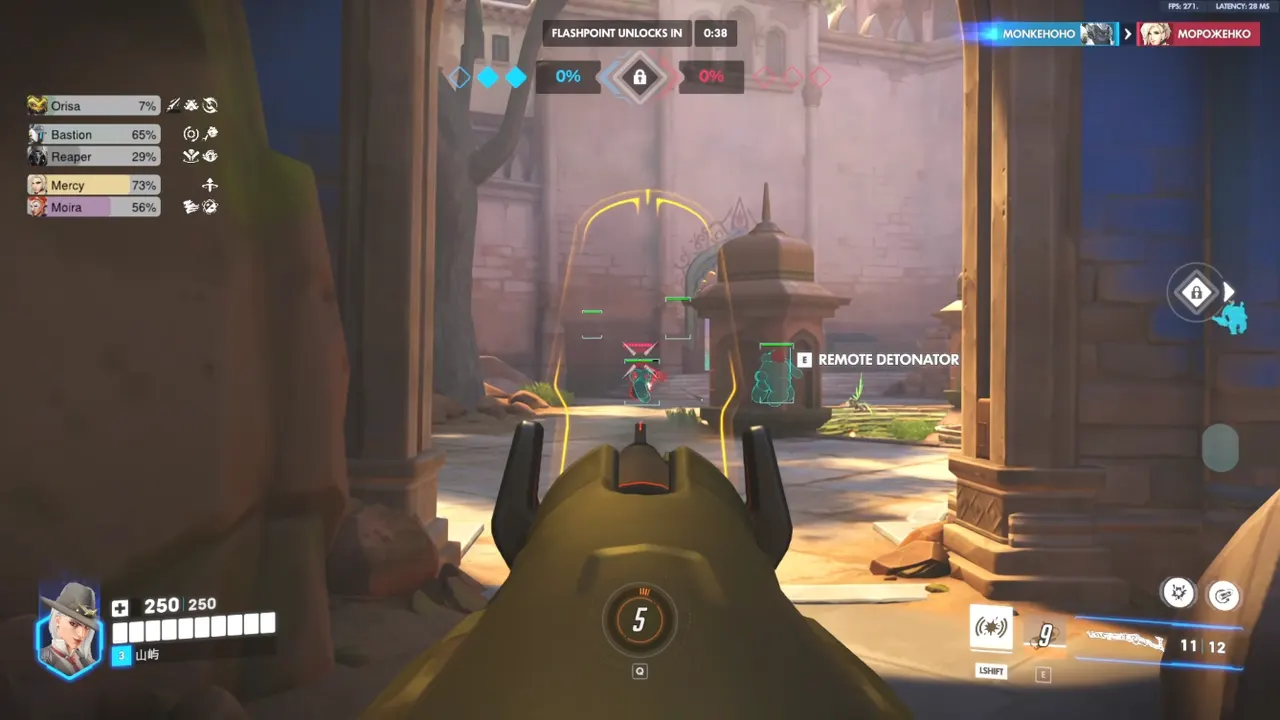
Aim (Pro / Private). Hold key. Small FOV. Smoothing on. Visibility on. Chest or neck is acceptable; head-only through cover is not. Trigger on a different key or off. Dead zone so you can still miss. That is the difference between assist and magnet aim.
Overwatch 2 FOV settings are the loudest tell after wall tracking. If the cone covers half the screen, every strafe becomes a lock. Keep the circle inside a fight you already decided to take. Widen it only after a week of legal peeks, not after one lost duel.
Radar (Private). Small, one glance, player layer only at first. Do not pre-rotate every off-angle before any teammate has info. Objective layers wait until you already look at the cart like a shot-caller.
Ow2 legit settings in practice means the overlay still exists and the session still looks like a player. You are not turning the cheat off. You are refusing the sliders that write the killcam for the other team.
That is the feature set. Low profile is a subset, not a different cheat. Xray already has the awareness core. Pro already has assist. Private already has radar. The work is leaving most of it quieter than the menu allows.
Anti-Cheat, Reports, and Killcams
Overwatch anti-cheat is software plus people. Low profile settings target the people-and-killcam part: fewer “how did they know,” fewer magnet headshots, fewer pre-cleared mines on routes you have never played.
They do not:
- Make a stale loader safe
- Block someone from hitting report
- Excuse tracking through walls “just a little”
- Replace patch-aware builds on the cheats catalog
Reports still land on quiet configs. A Widow who never dies to a flank she “could not have heard” still looks psychic. A hitscan who never misses a head on a jumping Genji still looks scripted. Distance, visibility, and FOV are the usual three sliders that write that footage.
Streamers have a second leak: the overlay on a BRB screen, the menu in a webcam reflection, Game Capture grabbing a layer you thought was excluded. Stream-safe overlays is the companion for capture exclude. This page is the ranked-quiet profile even when you are not live.
None of that is a guarantee. Conservative overwatch 2 cheat settings plus a maintained loader beat a “legit” preset you bumped for one night and never saved back.
Usage Tips — Habits Next to Sliders
Quick play first. Ranked is not where you discover your FOV is a moon. Save the profile before you queue competitive.
Cap ESP distance. Walk a map you know. If boxes appear for fights you cannot rotate to in time, the cap is too high. Tighten until the overlay matches your real pathing.
Hold combat. Spawn-to-point should look like a player. Bind aim and trigger separately so setup and regroup are overlay-only. Always-on assist is a report pattern even at modest FOV.
Shorter blocks. Stop after you notice you are playing the overlay instead of the game. Identical aim patterns for hours look less human than a mixed session with some bad fights.
Lose some fights. If you never die to a flank you “could have seen,” you are overplaying ESP. Walk into a bad angle on purpose occasionally so the session is not a perfect-information demo.
Hero mix. One hitscan god-session is a graph. Swap roles. A quiet Soldier config on Widow’s FOV is still loud.
Party and stream. Friends record. Private stream-safe exists — use it. Do not flash the menu on a BRB screen.
After patches. Reload this quiet profile, not last night’s “I bumped FOV once.” Hero collision and camera changes make yesterday’s circle look different.
Two profiles if the menu allows it. Ranked-quiet: boxes, short distance, small FOV, combat on hold. Review/deathmatch: slightly more ESP for vods you will not publish. Do not confuse them.
If you cannot name which slider you used in the last fight, the overlay is too busy or you are not looking at it. Shrink, then add back one category at a time. That is the same discipline as the how-to-use guide, applied to values instead of install order.
Why OverwatchCheats Pushes Low Profile Settings
Because we would rather you keep an account than clip a 180. The catalog is still cheats — Xray, Pro, Private — and Get Access still starts delivery. We just will not pretend max sliders are the product.
A lot of menus ship a “rage” preset and a “legit” preset that still covers half the screen. OverwatchCheats writes the boring numbers in a blog post so you can copy the intent even if the default config is louder than this article. No prices on this site. No fake “report reduction percent.” Low profile is a way to use the same reads with less theater.
If that sounds like less fun than rage, you will ignore this page and feed the killcam anyway. If it sounds like how you actually wanted to play, start here before you touch another toggle.
A practical ranked-quiet starting point: enemy corner boxes, distance on, max range tight enough that spawn-room heroes disappear, health bars optional, skeleton off, ability and ult filters off or support-only, aim on a hold key with a small FOV, visibility on, trigger off. That profile is enough to learn Xray or Pro. Add one category only when you can explain why the last five deaths needed it.
Reports still happen. Low-profile settings just stop you from volunteering extra evidence. Combine them with shorter sessions and the setup checklist so you are not debugging FOV in competitive. Save ranked-quiet. Bind combat to a key you have to choose. Cap distance. Then go play the game instead of the menu.
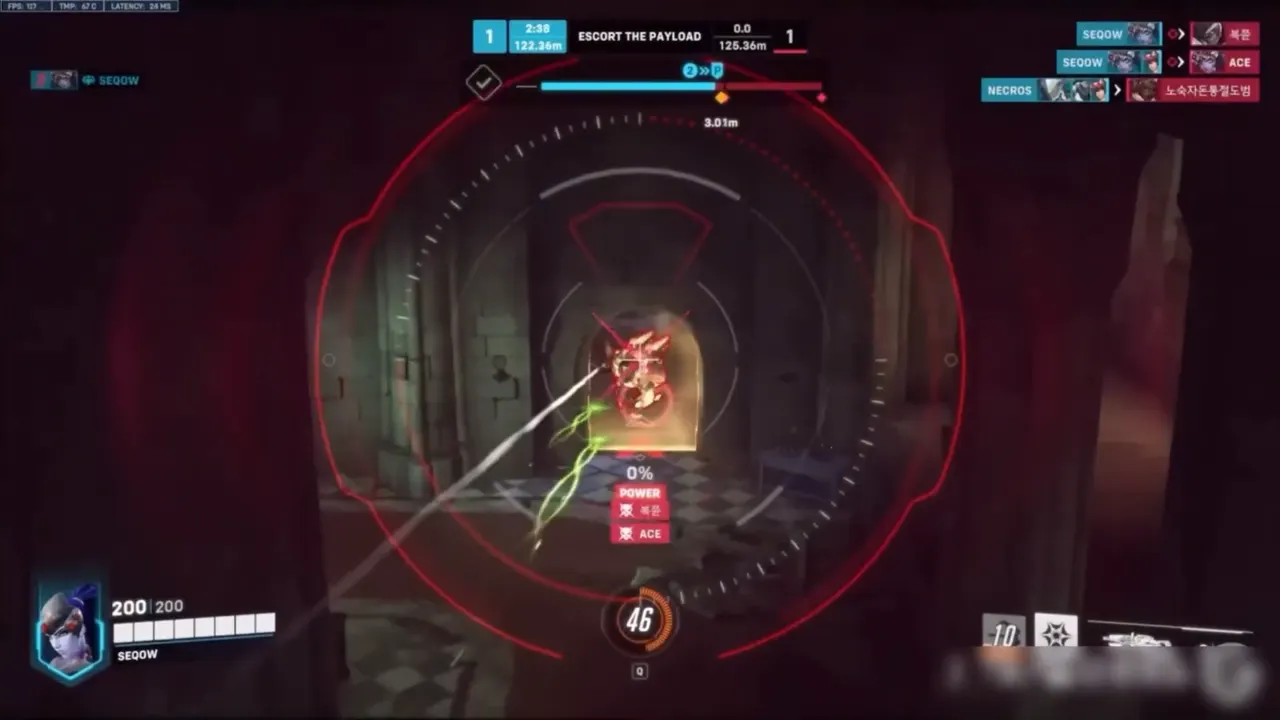
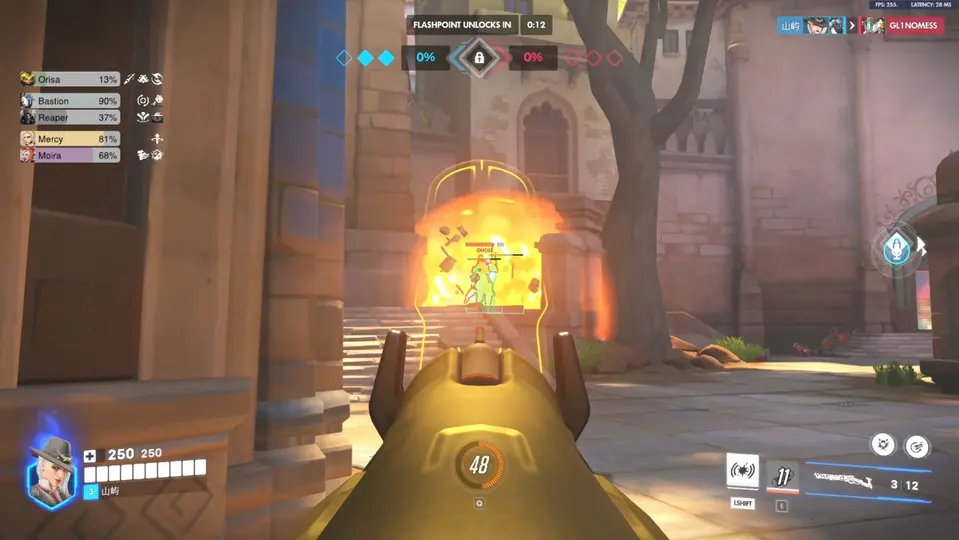
Overwatch 2 cheat settings that last are the ones you can leave alone for a week. Small FOV, capped ESP, visibility on, combat on a hold key, and the habit of walking like a player between fights. That is the low profile. Everything louder is a clip — and a killcam.