Key takeaways
- Overwatch 2 aimbot should close trades you already chose — not 180 snaps through walls.
- FOV, smoothing, visibility checks, and a separate trigger bind matter more than max strength.
- Pro is the combat tier; Xray stays awareness-first; Private adds radar on top of a full Viper aimbot.
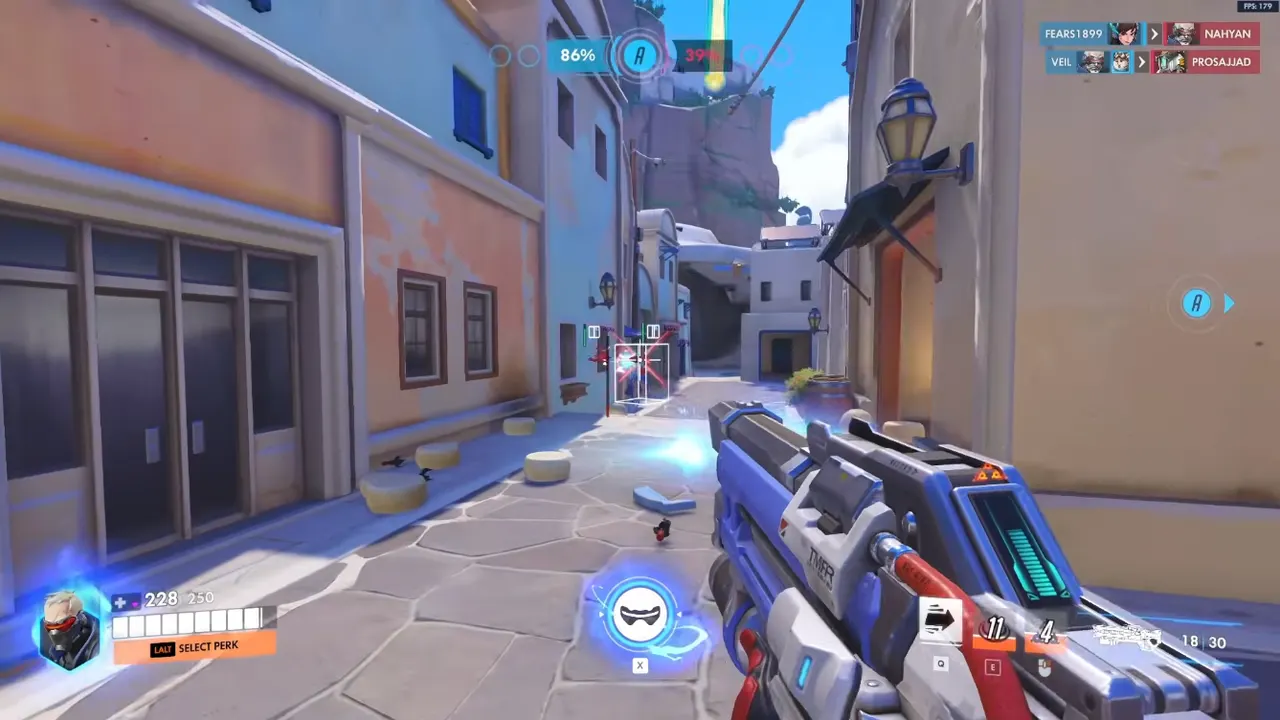
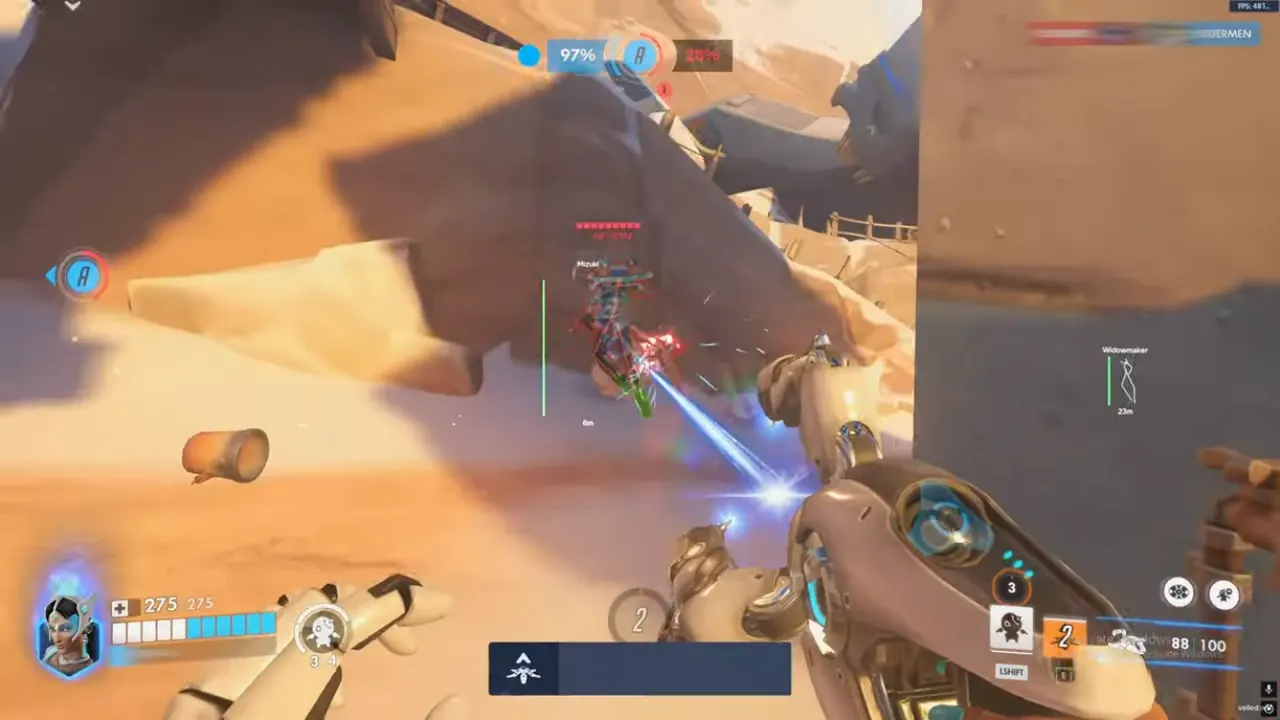
Overwatch 2 aimbot is the search that brings most players to a cheat menu — ow2 aimbot, overwatch 2 aim bot, same intent. They want trades to close when the angle was already good. What they often configure is a rage slider that farms reports and still loses to a player who just held high ground. Hero shooters punish loud aim. A Widow 180 through a wall looks like a clip to you and like a ticket to review for everyone watching the killcam.
This Overwatch 2 aimbot guide is the OverwatchCheats version: assist versus hard lock, FOV and smoothing that match hero roles, visibility checks, and when to stay on Xray instead of buying combat you will misuse. If boxes are still unreadable, stop here and fix player ESP first. Aim tools amplify decisions. They do not create them.
Overwatch 2 Aimbot Features That Matter
Skip the fantasy of “perfect lock.” The knobs that decide whether an ow2 aimbot helps or hurts are smaller:
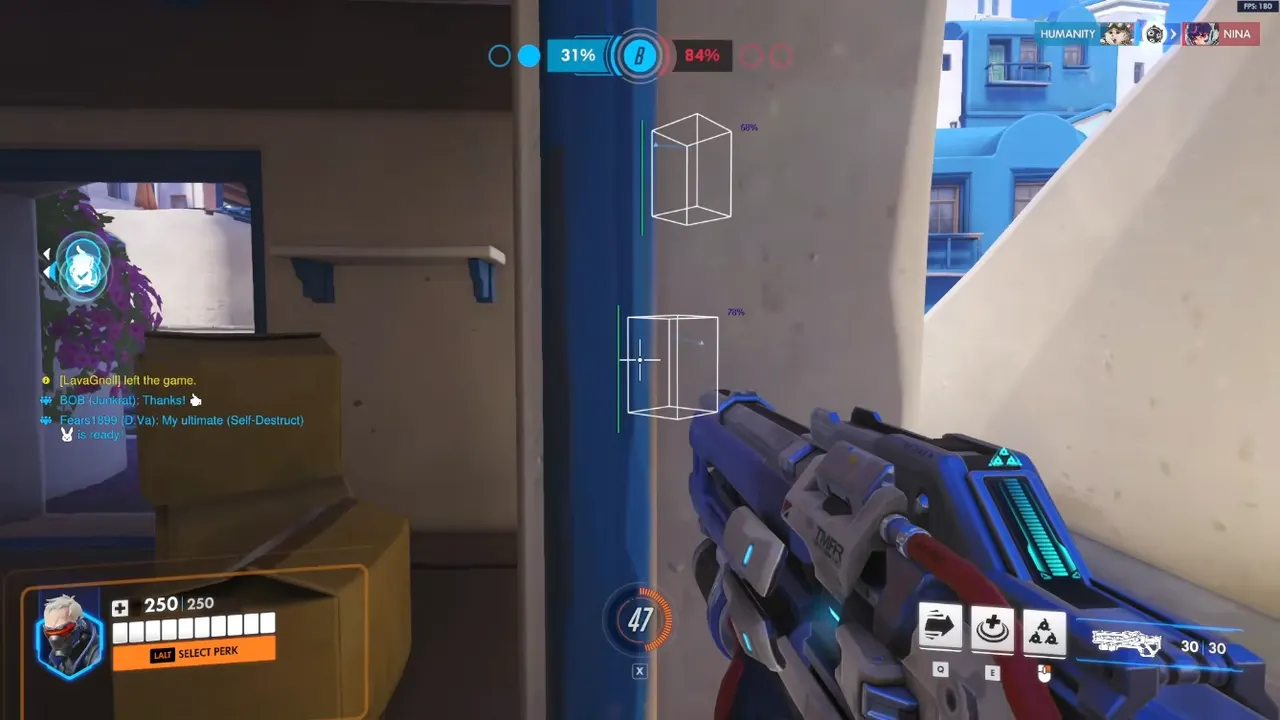
- FOV — how far off-center the assist may pull. Flankers can run slightly wider FOV. Hitscan lanes want a tight cone so you still miss shots you should miss.
- Smoothing — how fast the correction arrives. Snappy curves win one clip and lose the next replay review.
- Bones / hitboxes — head, neck, chest. Head-only through smoke is how Overwatch 2 aim bot footage gets reported.
- Visibility check — do not track what you cannot see. Skeleton markers are information; the aimbot should wait for line of sight.
- Max distance and dead zone — stop pulling at ranges you cannot finish, and leave a hole in the center so you can still micro-adjust.
- Separate keys — aim assist on one bind, triggerbot on another. Always-on combat is how support rotations look robotic.
Xray includes smooth targeting, not a full combat suite. That is enough for players who lose because they never saw the target.
Pro is the Overwatch 2 aimbot mid-tier: aim assist, trigger assist, weapon ESP, and the filters to keep it subtle. Read the Pro review if duels are the bottleneck after ESP is tuned.
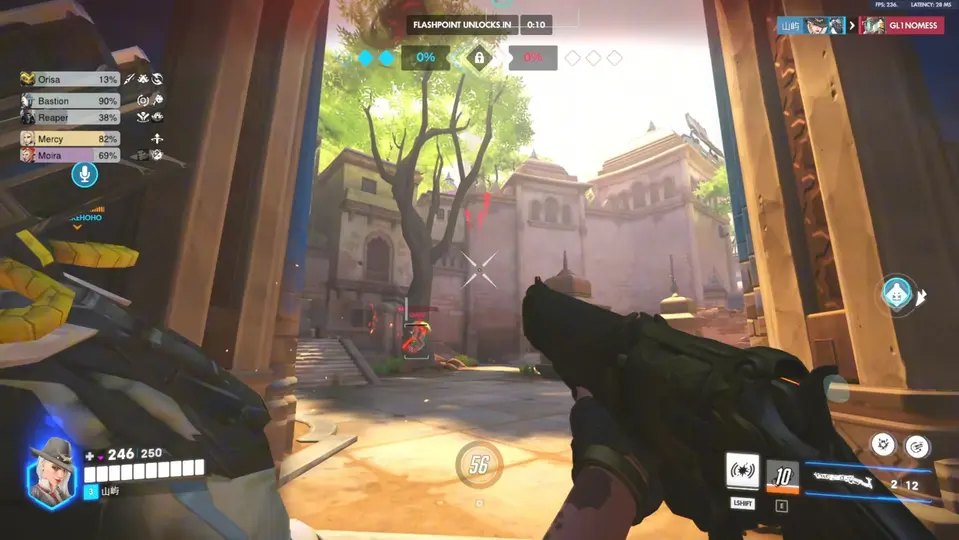
Private adds Viper’s full aimbot — bone selection, projectile options, custom keys, Hold Shift for head — plus radar and objective tools. Buy Private for macro, not because the word aimbot is on the box.
See also overwatch aimbot if you want the shorter product-intent page. This post is the configuration guide.
Anti-Cheat and Why Loud Aim Gets You Reviewed
Overwatch anti-cheat looks at software and at you. Statistical outliers, killcam tracking, and report volume all stack. An Overwatch 2 aimbot with max FOV, no smoothing, and visibility off is the fastest way to look like a highlight reel in a lobby that did not ask for one.
You still accept risk by running any OW2 cheat. We do not sell permanence. We sell maintained builds, setup docs, and the ability to turn the tool down. Pair this guide with low-profile settings and the undetected myths post so “undetected” does not mean “invisible.”
Projectile heroes need prediction, not the same curve as Widow. Hitscan needs a dead zone. If one profile is glued to every hero, the ow2 aimbot will look wrong on half the roster — and wrong looks like cheating even when the overlay is mild.
Usage Tips for an Overwatch 2 Aim Bot That Stays Believable
Week one. ESP only. Confirm you can find flanks without combat assist. Then enable the lowest smoothing that still helps, on a hold key, in quick play.
Hero profiles. Widow and Ashe: tiny FOV, chest or neck if head-only looks insane, trigger on a separate pick bind. Soldier and Sojourn: slightly more FOV, never spray-lock a shield. Genji and Tracer: you still need movement; the aimbot cannot dash for you.
Disable during setup. Walking to point with lock enabled is how you flick to a spawn door nobody else can see. Combat phase on, rotate phase off.
Do not stack rage layers. Skeleton head markers plus max aim plus always-on trigger is three tells at once. Pick one combat tool to learn. Add triggerbot tips after FOV is boring.
Replay yourself. If every death cam is a magnet to a head behind a wall, your visibility check is off or your FOV is a dinner plate. Fix that before you queue another ranked block.
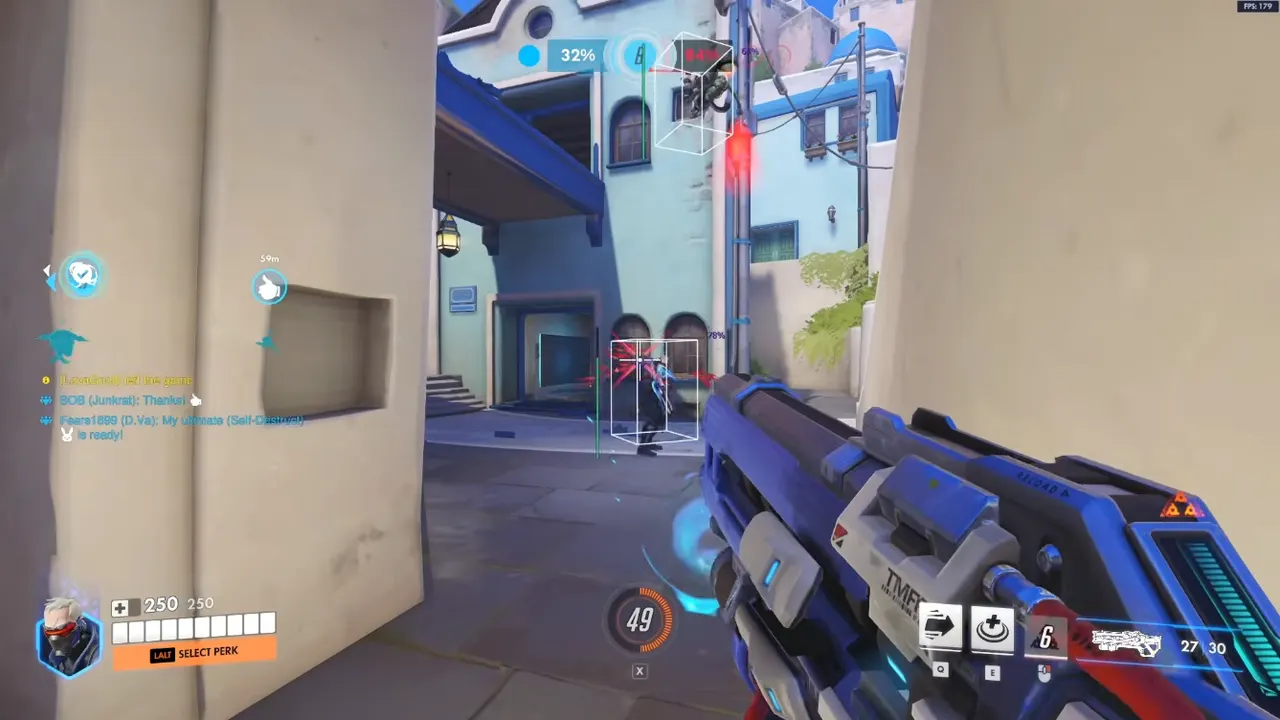
Why OverwatchCheats for Overwatch 2 Aimbot
We publish the knobs, not a slogan. The cheats catalog names FOV, visibility, bones, and separate trigger binds because those are the difference between a usable Overwatch 2 aimbot and a weekend ban magnet.
OverwatchCheats is Xray, Pro, and Private — not a resold mystery menu. Pro is where most people should start once they want an ow2 aimbot. Private is for players who also need radar and payload intel. Get Access on the tier page when you are ready; we do not list prices here. Instant delivery, then the same setup discipline in this guide.
If you came from a search for overwatch 2 aim bot and expected a magic lock, this is the honest version: the software can track. Ranked still rewards the player who peeks when the shot is legal. Configure for that, and the aimbot is a closer. Configure for clips, and the lobby will help Blizzard notice.
Save a hitscan profile and a projectile profile. One global curve is how an ow2 aimbot looks wrong on half the roster. Revisit FOV after you swap heroes — Widow does not inherit Tracer’s cone.