Key takeaways
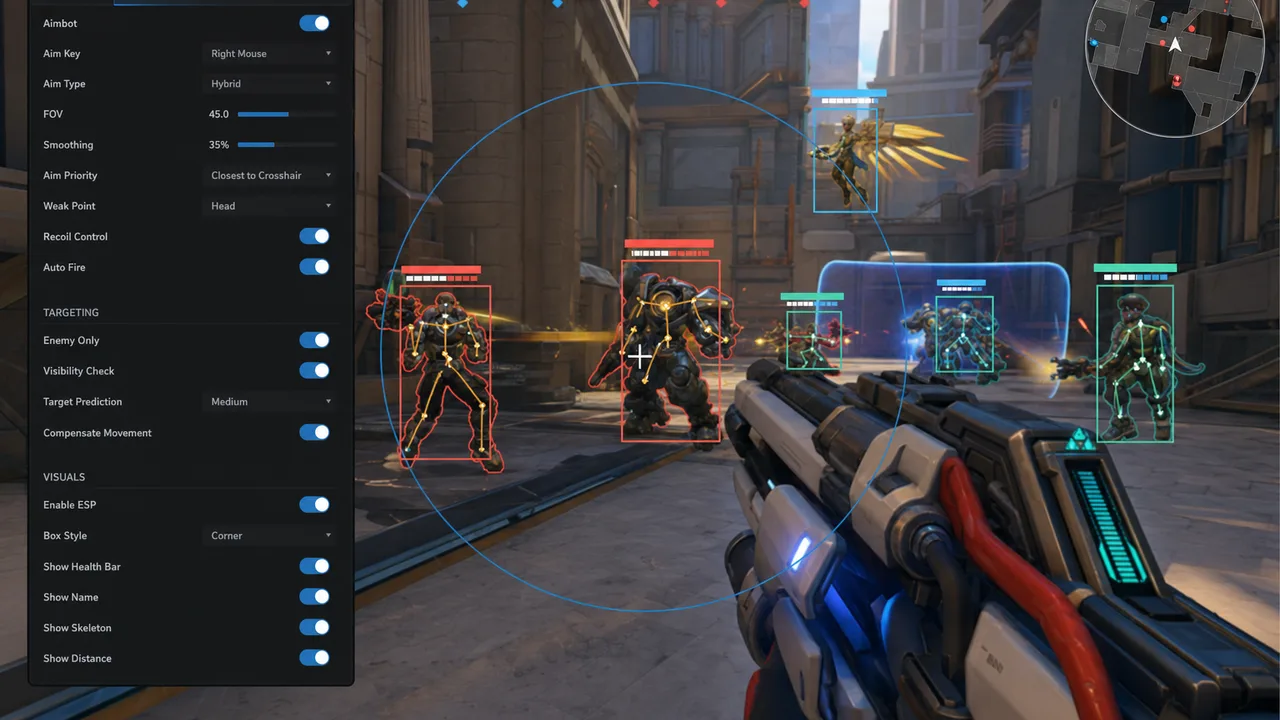
- Start with ESP and awareness features before adding combat automation.
- Cap FOV, smoothing, and distance limits so aim assistance stays believable in ranked.
- Shorter sessions with conservative configs age better than maxed-out marathon runs.
Low-profile is not playing scared. It is playing believably better — enough advantage to climb, not so much that spectators, replay reviewers, and report systems treat you like a highlight reel bot. Overwatch 2’s ranked environment combines anti-cheat signals with social scrutiny. Conservative configs address both.
This guia defines low-profile defaults for ESP, aim, trigger, and session habits across Xray, Pro, and Private tiers.
ESP Low-Profile Defaults
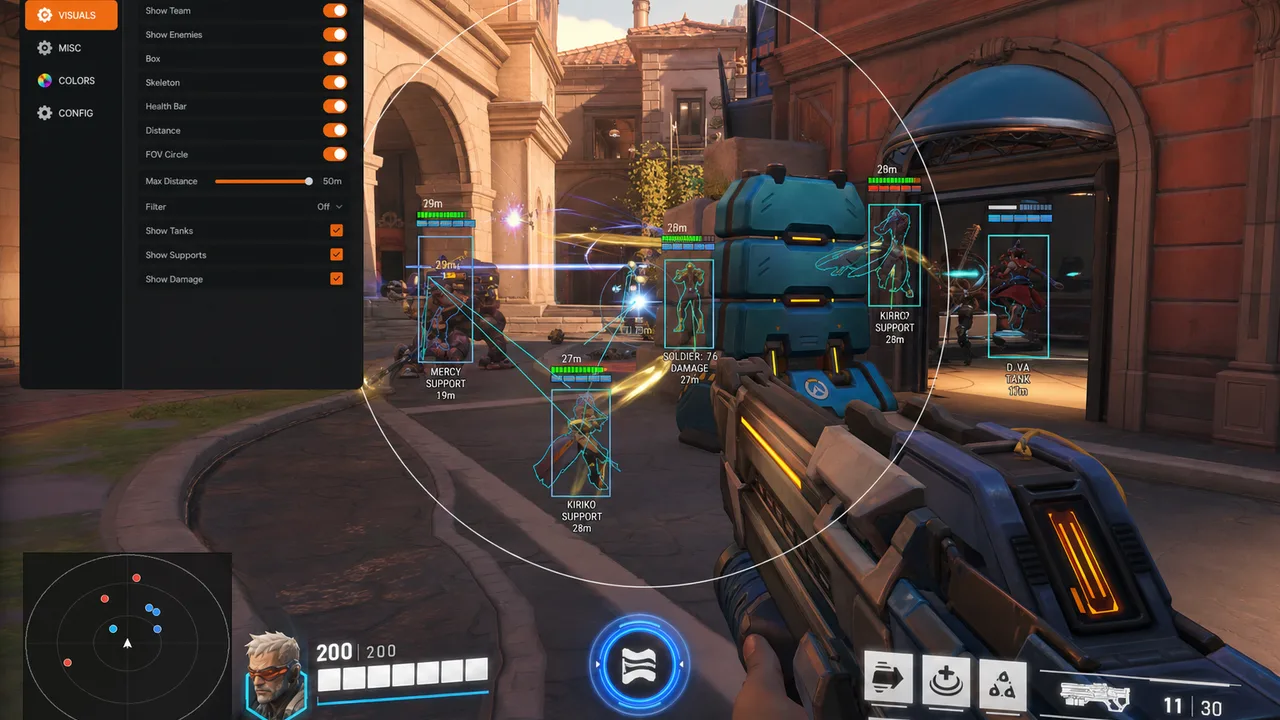
- Box style: Corner boxes, thin lines, high-contrast outline, no fill
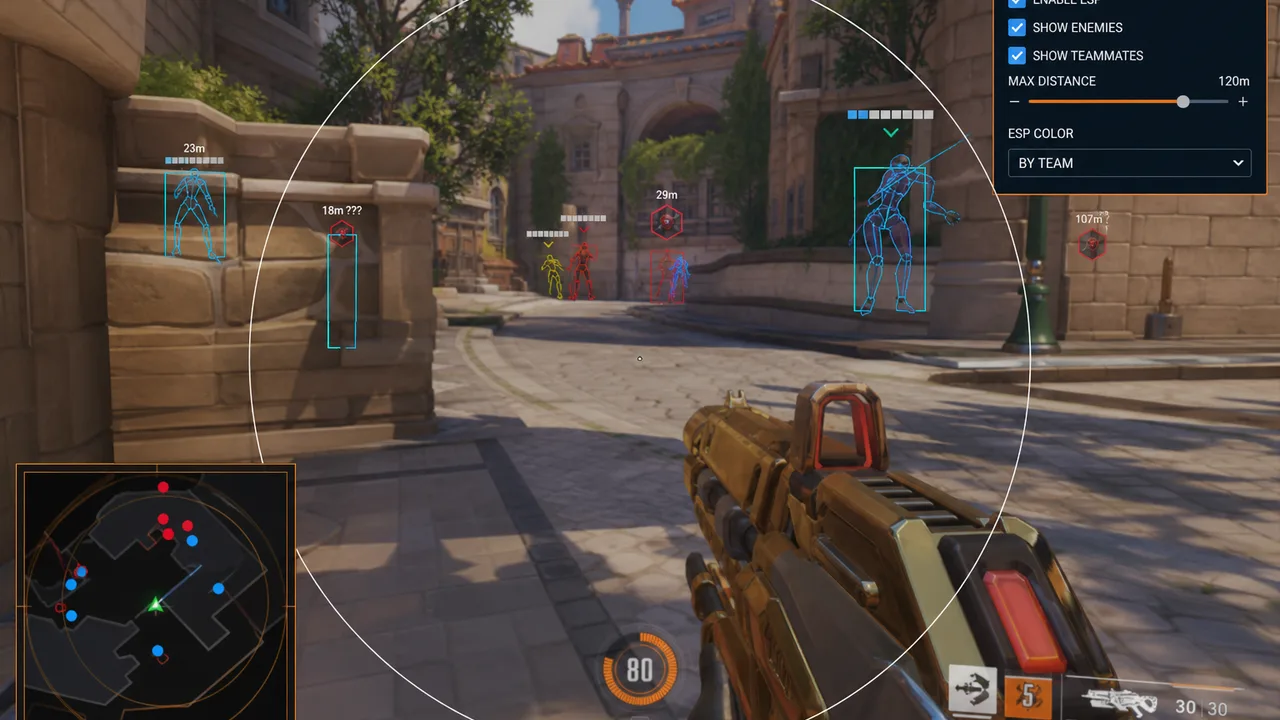
- Max distance: 30–45m ranked generalist; 20–30m for flanker heroes
- Categories enabled: Enemy players, Tier 1 enemy ults, filtered health packs
- Categories disabled day one: Skeleton, radar (until needed), every ability marker
- Opacity: Visible at glance, transparent enough to see ability VFX
See ESP guia for tuning logic. Low-profile ESP should answer threat questions without decorating half the screen.
Aim Low-Profile Defaults
From aimbot guia:
- Mode: Assist preferred over hard lock; lock key-gated if used at all
- FOV: 10–18° generalist; tighter for sniper heroes
- Smoothing: Medium-high; lower only after replay self-review
- Bone: Chest default; head on stationary CQB only
- Visibility gate: ON — no assist through barriers
If killcam footage shows crosshair glued to head through strafe without visible correction, increase smoothing or reduce FOV.
Trigger Low-Profile Defaults
From triggerbot tips:
- Default state: OFF
- Activation: Combat phase keybind only
- Delay: 50–80ms minimum
- Visibility: ON
- Heroes: Hitscan DPS only initially; disable on projectile and support
Session and Behavior Habits
Low-profile extends beyond menus:
- Session length: 90–120 minute blocks with breaks — not 6-hour identical streaks
- Queue type: Quick Play test after any config change before ranked
- Fight selection: Take fights you would take without cheats — ESP informs, not mandates
- Stats shape: Suspicious accuracy over 50 matches triggers review — vary heroes and roles
- Comms: Callouts should match what teammates could infer — not impossible info
Tier-Specific Notes
Xray: Stay here if low-profile ESP solves most deaths. Smooth targeting at minimum strength only.
Pro: Aim + trigger on combat key. Weapon ESP ON — it improves decisions without looking like cheat footage.
Private: Enable radar and objective ESP before combat maxing. Private with rage aim is the opposite of low-profile.
Stream and Capture Hygiene
Even private sessions can leak via clips, Discord screen share, or accidental OBS capture. Pair low-profile menus with stream-safe overlay setup.
After Patches — Re-validate Profile
Patches change TTK and ability visuals. Re-run setup checklist verification and assume last month’s “safe” FOV needs re-testing. See patch survival guia.
Quick Reference Card
| Layer | Low-profile setting |
|---|---|
| ESP distance | 30–45m cap |
| ESP style | Corner boxes, thin |
| Aim mode | Assist, not lock |
| Aim FOV | 10–18° |
| Smoothing | Medium-high |
| Trigger | OFF default, 50ms+ delay |
| Sessions | 90 min blocks, hero variety |
Bottom Line
Low-profile Overwatch 2 cheats feel like you on a good day — not a different player inserted into ranked. Start ESP-heavy, add combat slowly, use phase toggles, and review your own footage weekly.
The goal is months of usable advantage, not one afternoon of clip farming.