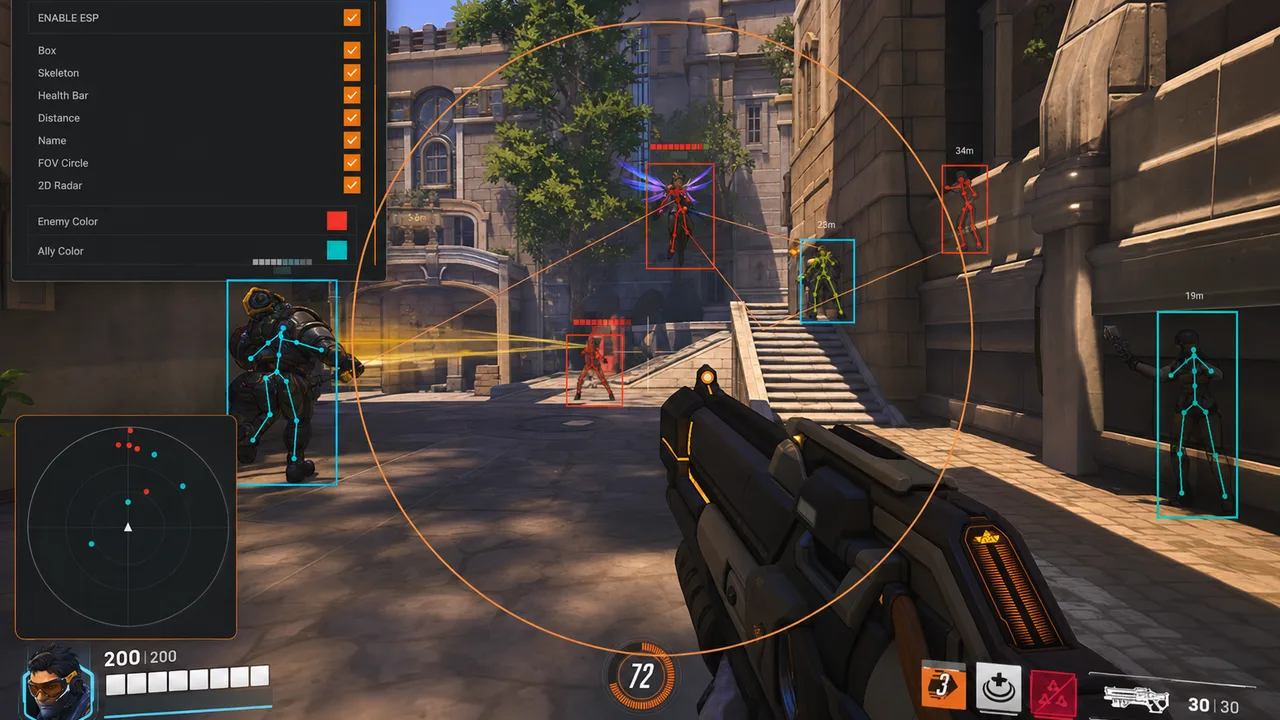
Key takeaways
- Prep the PC environment before running the loader — conflicts cause most first-day failures.
- Save a minimal ESP profile and test in Quick Play before high-SR ranked sessions.
- Re-run the checklist after every game patch, loader update, or OBS layout change.
The fastest way to waste a fresh Overwatch 2 cheat purchase is to skip prep and queue ranked ten minutes after download. Loaders are picky about environment. Overlays behave differently after patches. OBS can leak a box you forgot was enabled. This checklist is the sequence we recommend before any live session — and again after every update.
Use it with the tier you bought on cheats, the support products you actually need from products, and honest expectations from our anti-cheat guide. No step here promises safety. Every step reduces amateur failure.
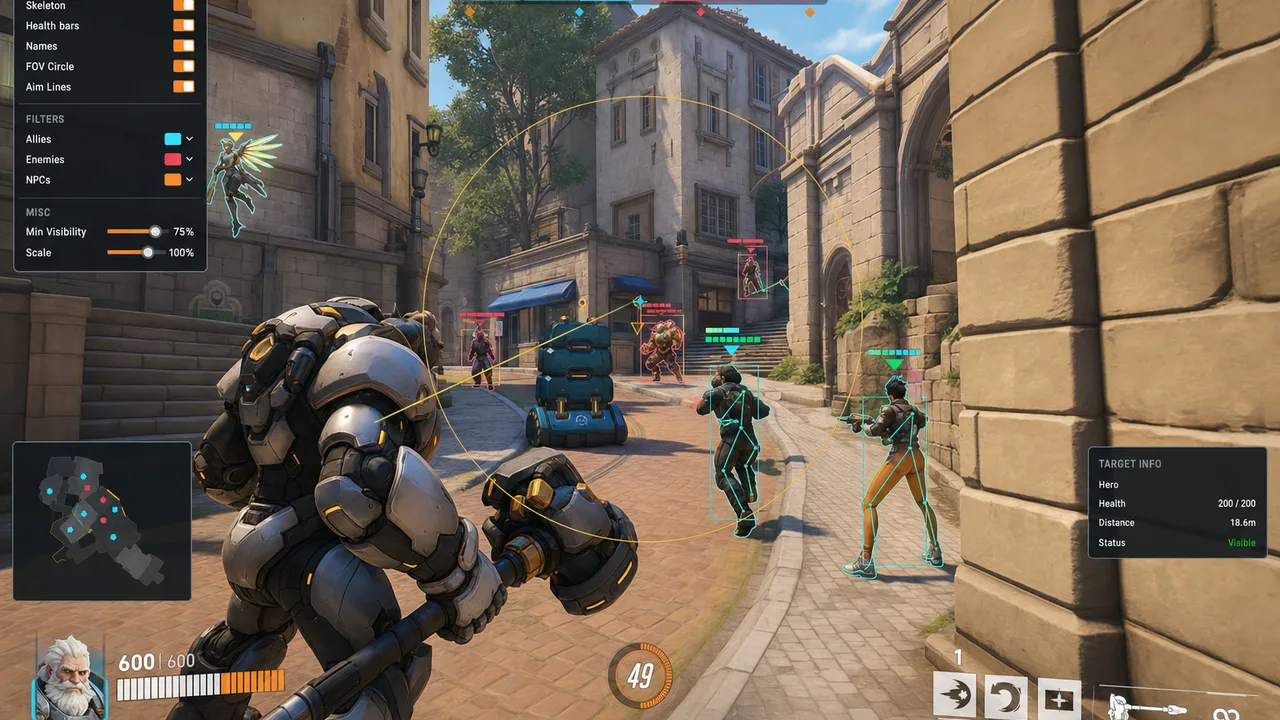
Phase 1 — Before You Touch the Loader
System and account prep
- Confirm your tier — Xray, Pro, or Private — matches the features you plan to enable day one.
- Close overlapping overlays: RTSS, Discord overlays, legacy mapping tools, other game injectors.
- Update GPU drivers only from official sources — avoid random “optimizer” bundles the same day as cheat install.
- Note your current Overwatch 2 game build and any pending patch. If an update dropped today, check provider status before launching.
- If you are recovering from a hardware flag, complete HWID prep first — see spoofer guide and HWID Spoofer.
Files and access
- Download from your delivered link only — not mirrors, not re-uploaded Discord attachments.
- Extract to a simple path without special characters if the loader docs recommend it.
- Run a quick AV exception only if your provider explicitly instructs it.
Phase 2 — Loader Install and Launch
- Run the loader as administrator only if documentation requires it.
- Log in or activate license per delivery instructions.
- Enable capture exclusion now if you stream — details in stream-safe overlays.
- Confirm the loader sees the correct Overwatch 2 install path.
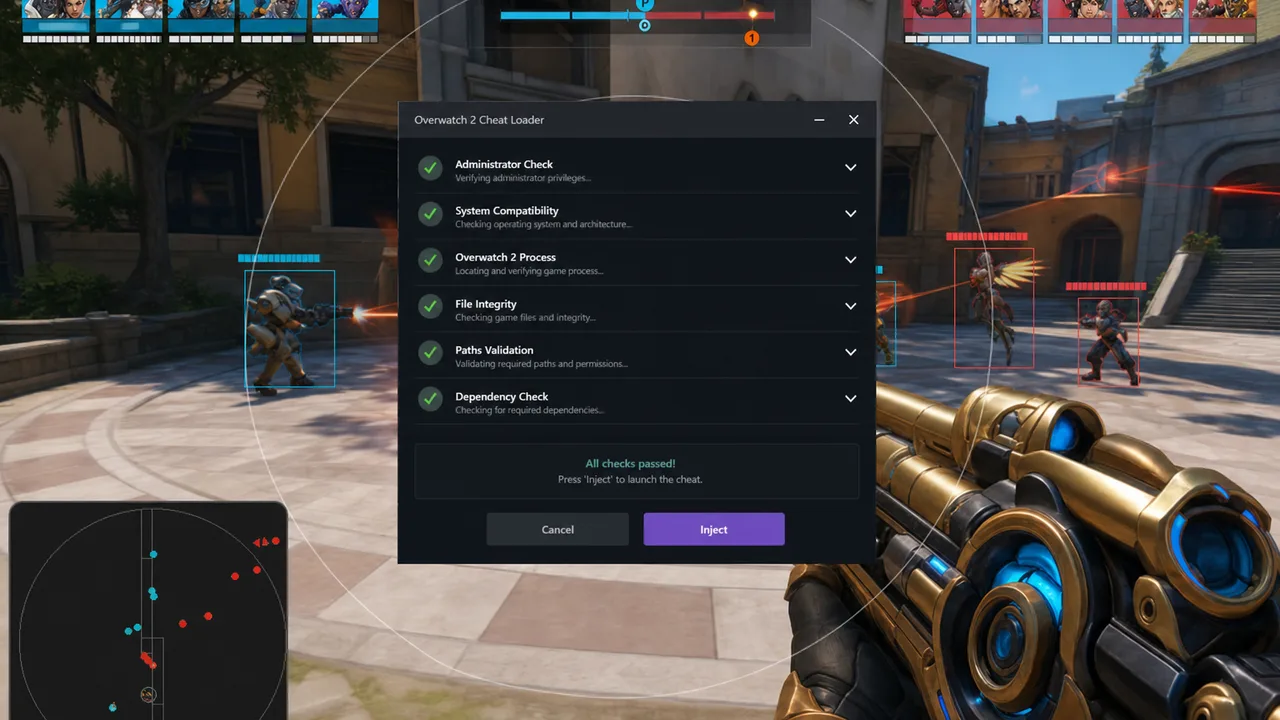
- Inject or attach using the provider’s current method — do not mix old YouTube steps from prior seasons.
If injection fails: reboot once, verify game integrity through Battle.net, remove conflicting software, contact support with exact error text.
Phase 3 — Overlay and Menu Configuration
Build a baseline profile before max paramètres:
- Player ESP on with distance cap suited to your hero pool.
- Ult ESP filtered — Tier 1 enemy supports only, not every cooldown.
- Skeletons off until you need them for hitscan duels.
- Health bars and distance readouts on if your tier includes them.
- Save the profile with a clear name.
Combat features — optional on day one:
- Aim smoothing and FOV inside conservative ranges — see low-profile paramètres.
- Trigger tools off until you understand cover behavior.
- Recoil support low enough that spray patterns still look human.
Private users: duplicate baseline into ranked-solo and team-stack variants instead of one mega config.
Phase 4 — Verification Before Live Queue
- Toggle each ESP category and confirm readability — no full-screen clutter.
- Verify FOV rings or combat widgets are off unless required.
- Record thirty seconds of local gameplay or OBS capture.
- Scrub recording for leaked overlays if you broadcast.
- Dry-fire aim paramètres on training bots at realistic engagement ranges.
Phase 5 — First Live Match
- Pick a hero and map you already know without software.
- Set a session timer — ninety minutes is plenty for day one.
- Disable experimental features you have not tested.
- Rotate like you would without ESP — software informs routes; it should not autopilot them.
After match: note loader version, game build, and paramètres used. Save tweaks as new profile — do not overwrite baseline until you have a week of stability.
Phase 6 — Optional Infrastructure
| Need | Starting point |
|---|---|
| Hardware-level reads separate from game PC | Cloud DMA — read pairing guide |
| Machine profile reset after flag | HWID Spoofer |
| Account appeal workflows | UGC |
Get baseline cheats stable before stacking everything at once.
Phase 7 — After Updates
Re-run shortened loop whenever Overwatch 2 patches, anti-cheat updates, or your loader revs:
- Check provider status — do not launch if down.
- Verify game files through Battle.net.
- Boot loader and confirm version string matches announcement.
- Load
baselineprofile — not yesterday’s experimental max. - One Quick Play test before ranked streak.
Common Checklist Failures
Skipped conflict cleanup — two overlays fight, loader fails, user blames seller.
Max paramètres day one — reports arrive before you learn hero matchups.
No local recording test — stream leaks discovered by chat, not by you.
Ignored downtime — undetected on the store page does not mean safe during an active patch.
Same machine, new account, no HWID plan — hardware-linked flags repeat.
Keep the Checklist Alive
Setup is not a one-time event. Start on cheats, walk this list once per environment change, tune with low-profile configs, and read what anti-cheat actually implies.
New to the ecosystem? Read the Overwatch 2 cheats guide first, then return here with your tier picked.