Key takeaways
- Overwatch 2 ability ESP is for cooldown and deployable reads, not a second player-box layer.
- Xray covers baseline ability markers; Private adds cooldown ESP and radar layers for the full Viper stack.
- Gate distance, split human heroes from turrets, and turn ability noise off when the fight is already decided.
Overwatch 2 ability ESP exists because this game is not a pure aim duel. Shields, turrets, mines, and mobility cooldowns steal fights before a Widow ever peeks. If you only run player boxes, you still walk into a Torb turret, dump resources into a ready Sleep Dart, or chase a Tracer whose Recall is up. Ability ESP is the overlay that answers those questions: which tools are ready, which deployables are live, and whether the next corner is actually empty.
OverwatchCheats treats ability intel as part of the awareness stack, not a novelty toggle. Xray covers baseline ability and deployable markers. Pro keeps combat assist on top of that ESP. Private adds cooldown ESP, ability layers on radar, and the rest of the Viper menu. This guide is about using Overwatch 2 ability ESP so it changes decisions — not so it paints every VFX on the map.
What Overwatch 2 Ability ESP Actually Shows
Ability ESP is a family of overlays, not one checkbox. Typical categories:
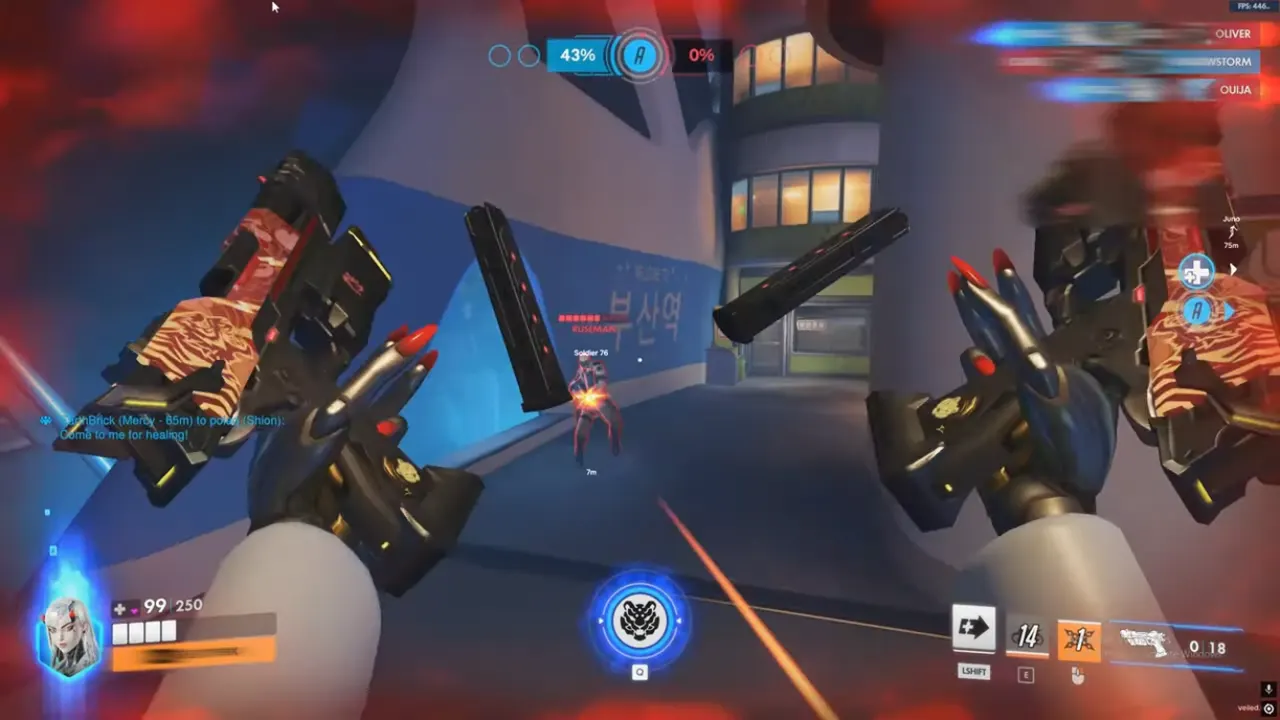
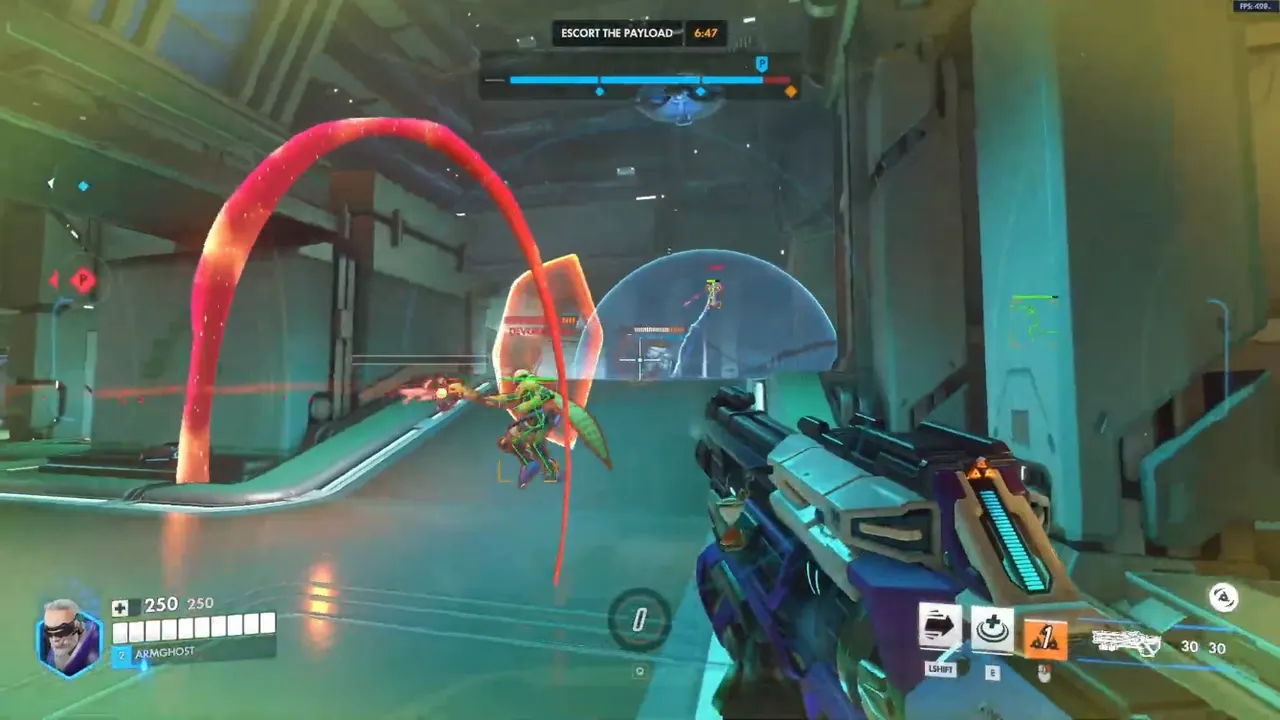
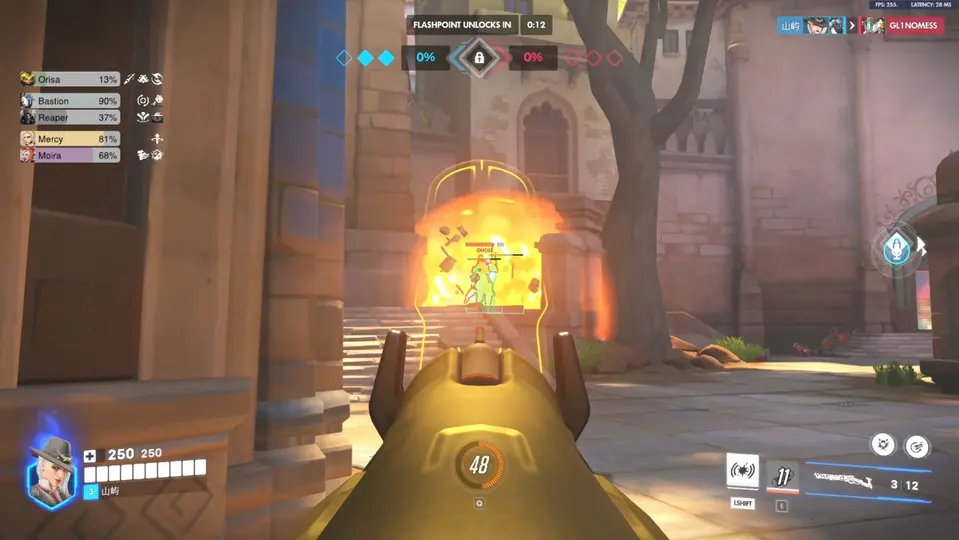
- Cooldown markers on enemy heroes — Sleep, Lamp, Fortify, Deflect, Fade, and other fight-defining buttons
- Deployable ESP — turrets, traps, mines, teleporters, and similar placed objects
- Ability entities that are not the hero model — orbs, drones, and lingering fields
- Radar ability layers on Private so off-screen tools show as icons, not just world overlays
What it should not do is duplicate player ESP. Boxes already tell you who is there and how far. Ability ESP tells you what they can still do. If both layers use the same color, thickness, and distance, you will track a turret skeleton while the real threat dashes your backline.
Xray is enough when you mainly need to see placed objects and a light ability hint. Private earns the extra depth when compositions hide cooldowns in noise — double support ult windows, bunker turrets, and trap corridors on hybrid maps. Pair ability reads with health and ult ESP so you do not burn a support ult into a Lamp that is still ready.
2D radar is the other half of off-screen ability awareness. World overlays fail when the deployable sits around a corner you are not looking at. Radar layers answer direction; world ESP answers precision once you decide to take that angle.
Anti-Cheat, Killcams, and Ability Overlay Risk
Blizzard’s Overwatch anti-cheat is not only a signature scanner. Reports, killcams, and “how did they know” moments still matter. Ability ESP is quieter than a rage aimbot, but it is loud in replays if you never contest a trap you could not have heard, or if you pre-clear every mine on a route you have never played.
Safe usage is about plausible information, not about pretending the overlay is invisible:
- Do not clear every trap on first spawn as if you mapped the lobby
- Do not shoot deployables through full cover on every death cam
- Do not leave ability markers at the same distance as boxes — distant cooldown text is clutter and a tell
- Rebuild filters after patches; hero reworks change which abilities are worth drawing
None of that is a guarantee. Maintained cheat tiers plus conservative configs beat a stale loader with every ability icon maxed. Read the anti-cheat guide if you still treat “undetected” as armor.
Usage Tips for Cooldown Reads in Ranked
Start with enemy deployables only. Teammate Lamp and Teleporter clutter the same screen you need for threats. Then add a short cooldown list for the heroes you actually see in your rank — not the entire roster.
Distance gates. Ability markers at sniper range on a trap you will never walk into are noise. Keep deployable ESP closer than player boxes. Cooldown text should be even tighter: useful in the fight you are about to take, invisible on the other side of the map.
Two profiles. Setup/rotate profile: ability ESP on, boxes on, combat assist off. Fight profile: ability ESP reduced or off, boxes and health on, assist only if you already use aim tools. Overwatch 2 is mostly team fights. Six cooldown widgets in a choke is unreadable.
Separate styling. Human heroes stay on box or skeleton colors. Deployables get a different outline. If skeleton ESP and turret ESP share a wireframe, aim assist and your eyes will pick the wrong target.
Ult versus ability. Ult charge belongs in the health/ult guide. Ability ESP is the smaller buttons. Mixing both into one rainbow stack is how players disable the whole overlay after two matches.
Test in quick play. If you cannot name which enemy cooldown you used in the last fight, the overlay is too busy or you are not looking at it. Shrink, then add back one category at a time.
Why OverwatchCheats for Ability ESP
A lot of menus dump every ability into one list and call it a feature. OverwatchCheats splits the job across tiers so you are not paying attention (or screen space) for tools you will not use.
- Xray — readable hero ESP, health, skeleton options, and baseline ability/deployable markers
- Pro — the same awareness plus aim assist and trigger tools when duels, not cooldowns, are the bottleneck
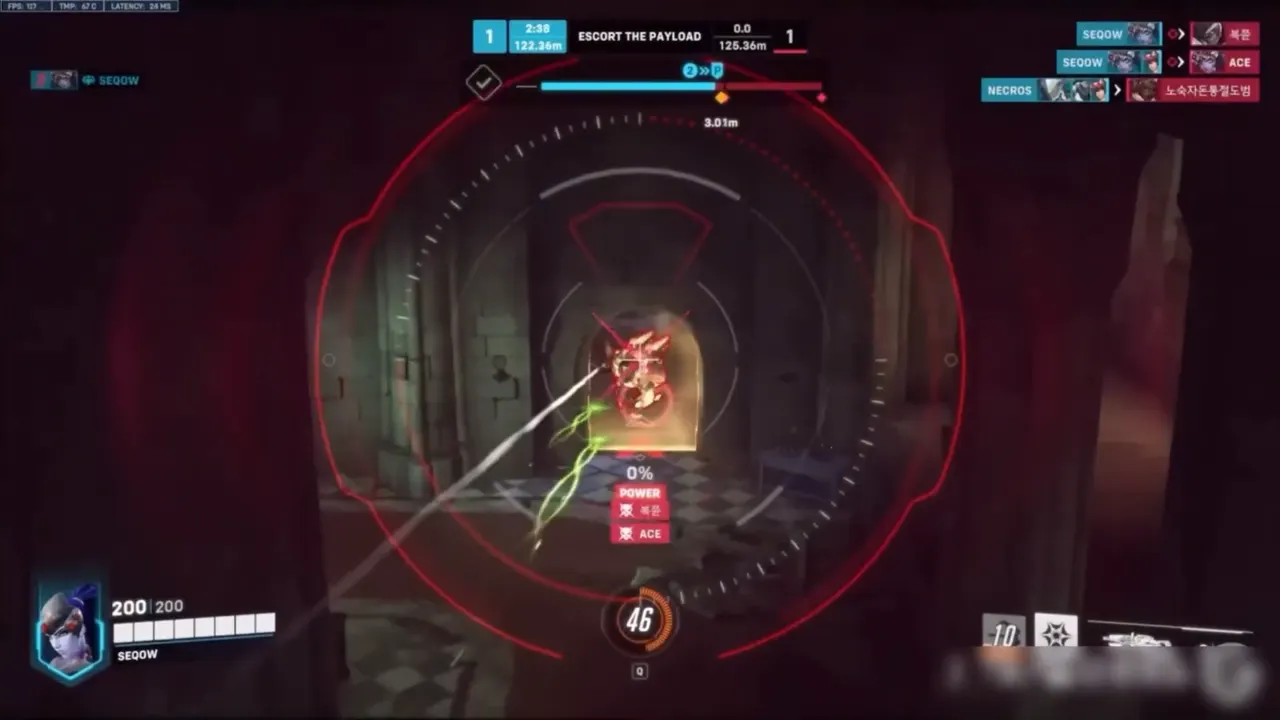
- Private — Viper full stack: cooldown ESP, 2D radar, objective ESP, and stream-safe options
We do not publish dollar amounts on this site. Compare the feature lists, then Get Access on the tier page when the deaths you actually take match that menu. Support sits next to checkout if the overlay needs a second look after a patch.
Ability ESP is also why we tell people to read Private Viper before enabling every combat slider. Macro and cooldown reads win maps. Snap aim wins clips. Ranked cares about maps.
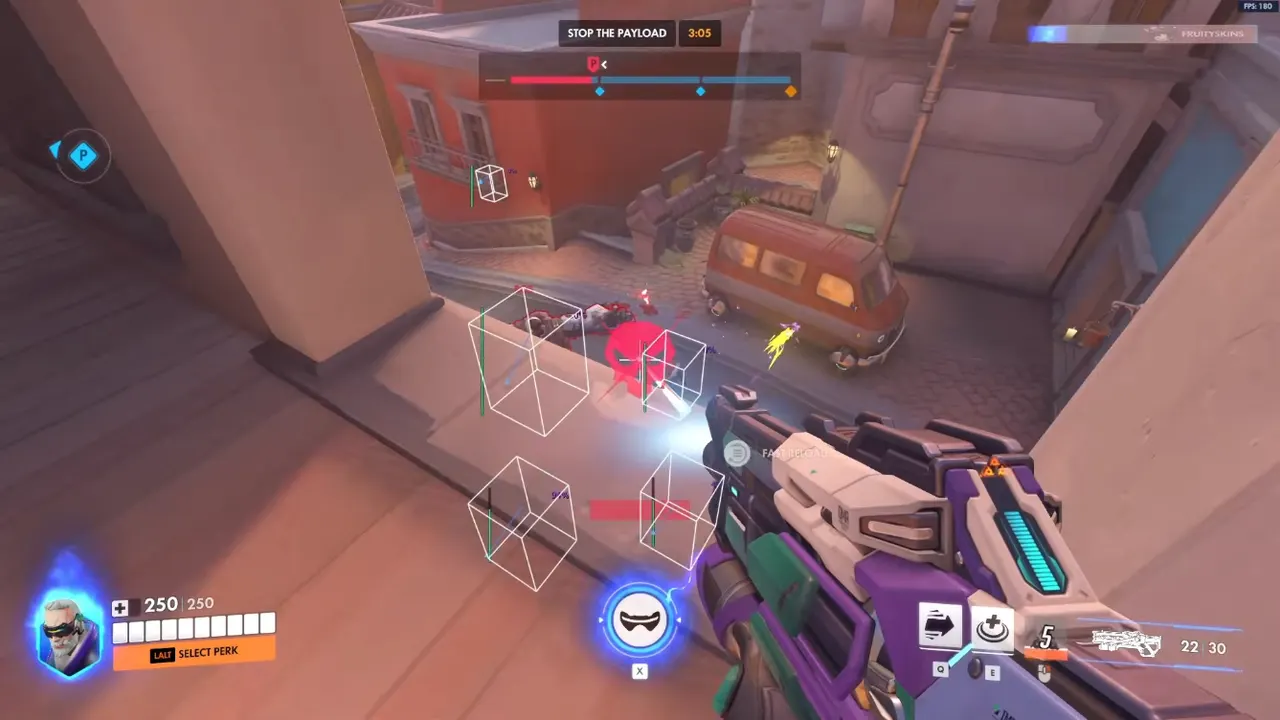
If player boxes are still messy, fix that in the ESP guide before stacking ability layers. If you already see heroes cleanly and still die to tools you never tracked, Overwatch 2 ability ESP is the next toggle — configured like a callout, not like a fireworks show.