Key takeaways
- Exclude the cheat overlay from capture at the loader or OBS layer — never rely on hope.
- Keep on-screen ESP minimal so your layout stays readable if exclusion fails once.
- Treat every stream as a public test; overlays that look fine in-game can still leak in VODs.
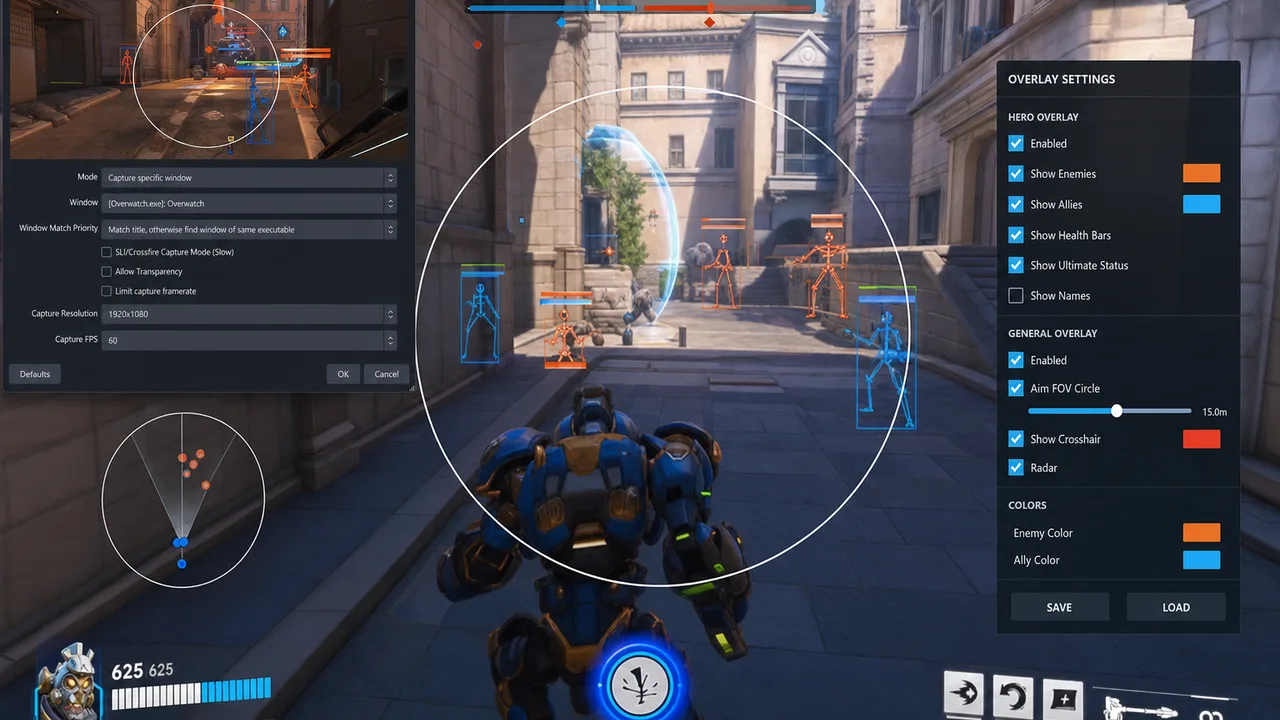
Streaming Overwatch 2 while running overlays is a different problem than playing privately. Your viewers do not need to see player boxes, ult trackers, or aim FOV rings — and you do not need the stress of checking every VOD frame for a leaked line drawing across a wall. Stream-safe setup is not about hiding dishonestly from your audience forever. It is about separating what helps you play from what your broadcast should show.
Most failures are boring technical mistakes: Game Capture grabbing the wrong layer, a second monitor preview exposing the menu, or Discord screenshare picking up the overlay because exclusion was never enabled. This Guide covers visibility basics, capture hygiene, and conservative on-screen rules that pair well with low-profile Einstellungen.
Layer 1 — Loader Capture Exclusion
Many cheat loaders offer stream-proof or capture exclude toggles that remove overlays from standard Game Capture paths. Enable this during setup checklist Phase 2 — not after your first stream.
Verify:
- Toggle ON before injection
- Re-verify after loader updates — patches reset toggles sometimes
- Test with local recording, not live audience
Loader exclusion is necessary but not sufficient alone.
Layer 2 — OBS and Broadcast Software
Game Capture vs Display Capture:
- Game Capture with compatible exclude hooks — preferred when working
- Display Capture — captures everything including overlays; avoid when running ESP
Test procedure:
- Record 30 seconds of Quick Play locally
- Scrub frame-by-frame on corners where ESP renders
- Check minimap area, screen edges, center reticle zone
- Repeat after any OBS update or scene collection import
Browser sources and overlays: Ensure preview monitors on second display are not accidentally captured via Display Capture on wrong monitor.
Layer 3 — On-Screen Minimalism as Backup
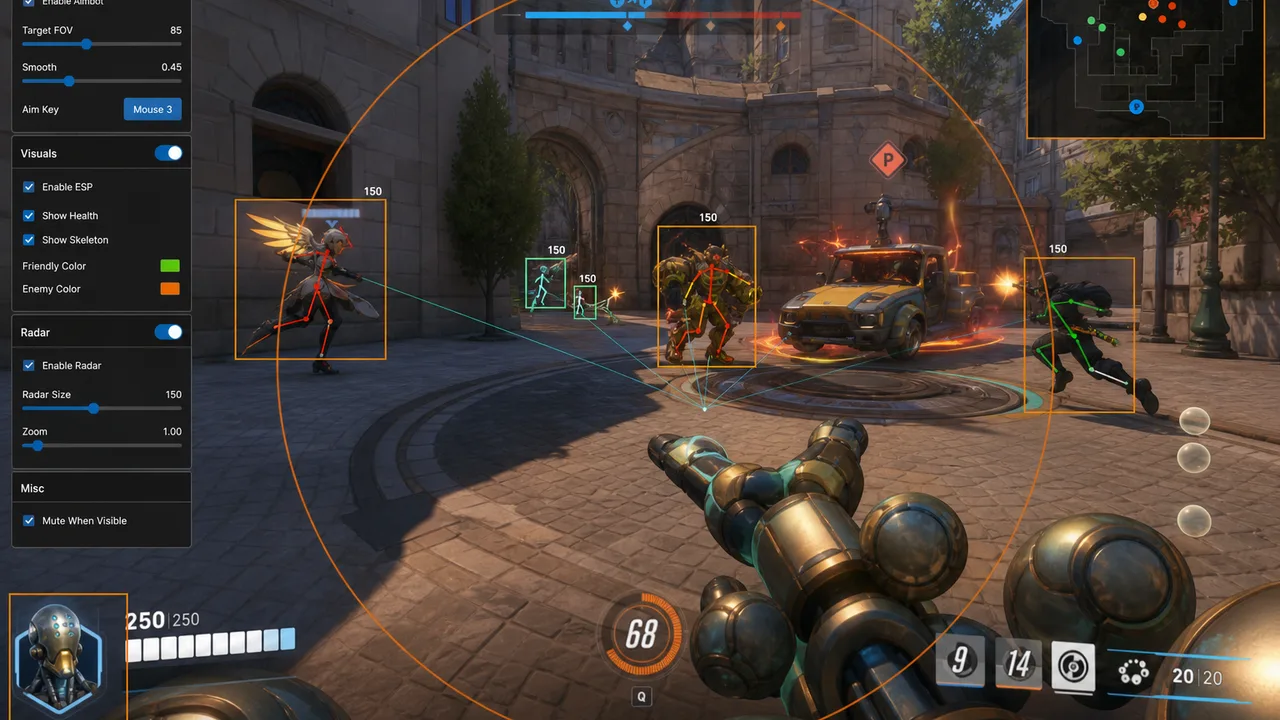
If exclusion fails once, minimal ESP leaks less:
- Corner boxes only — no full-screen skeleton web
- No giant FOV rings on stream nights
- Radar in corner with low opacity if used
- Combat widgets disabled unless required
Private stream-safe modes — see Private Viper Guide — exist because dense stacks leak harder when exclusion hiccups.
Pair minimal visuals with Xray or tuned Pro rather than max Private combat overlay on broadcast days.
Streaming-Specific Session Rules
- Dedicated stream profile — separate config slot with reduced visuals
- Menu discipline — never open cheat menu on stream scene; use hotkeys only
- Second PC review — watch VOD on different device to catch leaks fresh
- Clip delay — if platform supports, use delay for live interrupt before leak spreads
- No “just checking Einstellungen” on air — menu screenshots are instant bans in chat archives
Ranked While Streaming?
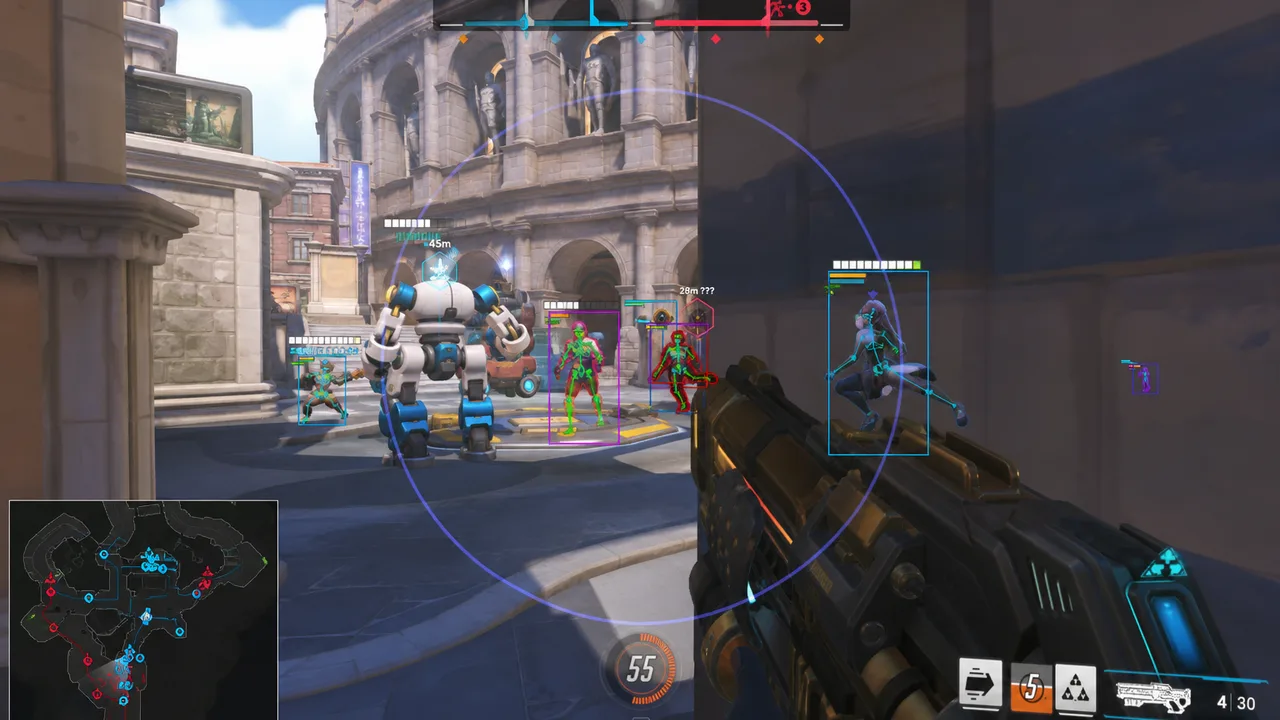
Streaming ranked with overlays doubles scrutiny — chat reports, VOD reviewers, and platform TOS. If you stream ranked:
- Use stream profile exclusively
- Verify capture before every session
- Accept that public ranked + advantage tools is highest behavioral risk — anti-cheat Guide still applies
Many streamers separate accounts and content types deliberately. Plan accordingly.
Hardware and DMA Stream Notes
Cloud DMA does not simplify streaming — second PC setups add capture complexity. Ensure capture card paths exclude overlay PC menus. Read cloud DMA Guide before streaming multi-PC stacks.
Checklist Before Going Live
- Loader capture exclude ON
- OBS Game Capture tested with 30s recording scrub
- Stream profile loaded — not ranked rage profile
- Cheat menu hotkey disabled or blocked from scenes
- Second monitor preview not in capture path
- Discord/screen share tested if used
Bottom Line
Stream-safe Overwatch 2 overlays require technical exclusion plus visual minimalism. Enable loader hooks, verify OBS paths every update, maintain a dedicated stream config, and assume one layer will fail eventually — design so failure is boring, not career-ending.
Play privately with full ESP tuning. Stream with restraint. Review every VOD like a viewer hunting boxes.